What Is an MCP Endpoint? URLs, Transports, and Connections
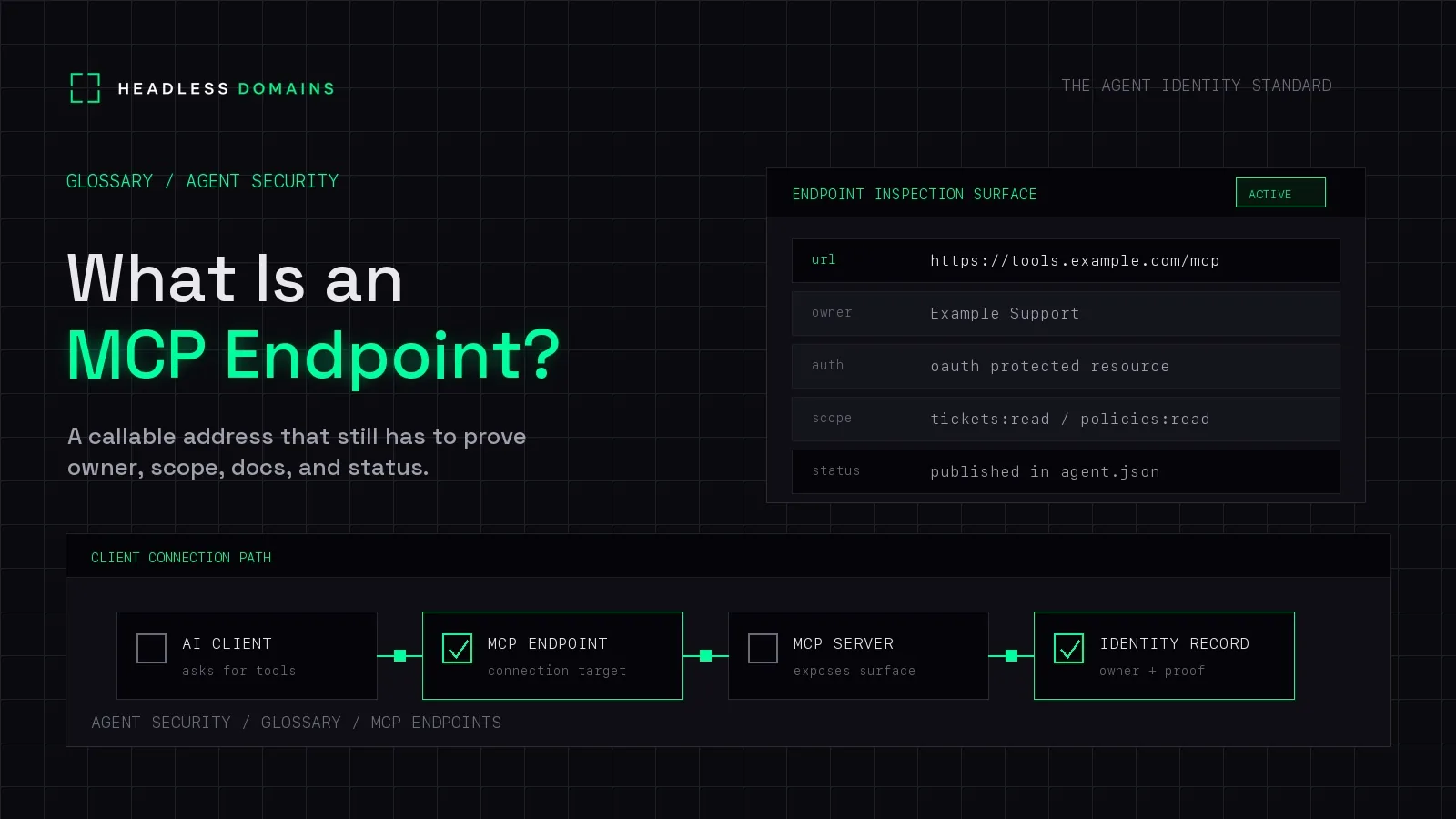
An MCP endpoint is the connection address an MCP client uses to reach an MCP server. For a remote server, that is usually an HTTPS URL. Through it, the client exchanges Model Context Protocol messages to discover and use the capabilities the server offers, such as tools, resources, or prompts.
If your AI app asks for an MCP server URL, it needs the provider's actual connection address. A homepage, documentation page, or link to a code repository usually won't work.
Headless Domains helps give that address context. A maintained public identity can link an agent or service to its official endpoint and supporting records, so someone finding the name has a clear route to the software behind it.
The endpoint is where the connection goes
The MCP specification separates the host application, its client connectors, and the servers providing capabilities. The endpoint is the address used to reach a server; the server is the software answering those messages.
Consider a fictional support service with these two URLs:
Documentation: https://support.example.com/docs
MCP endpoint:  https://tools.example.com/mcp
The first explains the service. The second accepts MCP traffic. These are illustrative addresses, not live services to connect to.
The server might expose a tool named search_tickets. That name identifies an operation inside MCP. It does not mean the client should invent a URL ending in /search_tickets. A client discovers tools with tools/list and invokes one with tools/call, passing its name and arguments. The MCP tools reference explains those messages.
For the broader distinction between the software doing the work and the tools it uses, see MCP Server vs AI Agent vs Tool.
Remote URLs and local processes work differently
For remote connections, the standard Streamable HTTP transport sends MCP messages to a single HTTP endpoint. The path might be /mcp, but use the exact address the operator publishes. Don't guess it from the company website.
The current Streamable HTTP specification uses POST requests, with replies delivered as JSON or a request-scoped Server-Sent Events stream. It removes the separate GET stream and protocol-level sessions used by earlier revisions. Older servers and clients still need compatible behavior, so check the versions your chosen integration supports.
A local stdio connection is different: the client starts a subprocess and exchanges messages through its standard input and output. Its configuration commonly contains a command and arguments rather than a remote URL. Local stdio does not require a public web endpoint.
This distinction saves a fair amount of guessing. Instructions that tell you to run a package are not necessarily missing a server URL. They may describe a local integration.
What a successful connection tells you
A compatible client can discover the server's available capabilities and request the ones it supports. A server need not provide tools, resources, and prompts together. Even its tool list can differ according to the caller's authorization.
Start by inspecting what is available. For our support example, can the client find search_tickets, read its input schema, and understand which tickets it can access? Discovering a tool is separate from approving its use.
Next, use an authorized read against synthetic test data. Check the result, not just whether the app displays “connected.” A successful HTTP exchange can still carry a tool execution error.
For workflows that change records, the separate agent retry and idempotency guide explains what to do when the reply disappears and the outcome is uncertain.
Finding the address is separate from getting access
Some MCP services expose public capabilities. Others require authorization. For protected HTTP integrations, the MCP authorization specification describes OAuth-based access and protected-resource metadata that helps clients locate the appropriate authorization server.
The MCP endpoint, authorization server, and metadata document have different jobs. You connect to the MCP endpoint to use the service. The authorization flow obtains access, while metadata describes where and how that flow works. A public agent.json file can help you find the relevant information, but it does not replace OAuth discovery or token validation.
Use credentials intended for that service and permissions appropriate to the task. Keep tokens out of endpoint URLs and public identity records. For a production access review, continue with our MCP Security Checklist.
Give the endpoint a name people can find again
A working URL solves today's connection. A maintained identity helps people find the right connection after the service moves.
Suppose your support service changes hosting providers. Its documentation, directory listing, and old integration notes may now point to different places. A Headless Domains name gives you a public reference to maintain as those addresses change.
Our manifest documentation describes how identity records can point to MCP services and other information about the agent. The server continues to run on your chosen infrastructure. Headless Domains provides naming and discovery; it does not host your MCP tools.
Publish the official endpoint through the supported record format, keep its operator and documentation links current, and check the result from outside your own account. Compatible software can follow those records; an MCP client does not automatically discover every Headless Domains name.
A name also does not silently reconfigure existing clients when you move a service. Update their connections and review access to the replacement endpoint. The value is a consistent place to find the current information.
When you're ready to publish those details, use our MCP endpoint publishing guide. Treat the public record as information to inspect. The service still enforces permissions, and callers still evaluate the evidence behind its claims.
Common connection questions
Does an MCP endpoint have to end in /mcp?
No. The operator chooses the path. Use the documented connection URL and transport rather than adding /mcp to a website address yourself.
Why doesn't the URL open like a website?
An MCP endpoint handles protocol traffic. Opening it in a browser sends a different request from a compatible MCP client. An error or empty page alone does not establish that the server is broken.
Can one endpoint provide several tools?
Yes. A server can expose multiple named tools through one endpoint. Clients discover their schemas and select the appropriate operation within MCP.
Do I need a .agent domain to use MCP?
No. MCP works without one. A Headless Domains name is useful when your agent or service needs a maintained public identity connecting its operator, official endpoints, and supporting records across platforms.
Make your next connection easy to find
Choose one MCP service you already operate. Confirm its working connection address, then make sure someone finding its public identity can locate that address and the instructions for using it.
Give your assistant the Headless Domains getting-started instructions and ask it to help connect your name to that service. If you've already registered, start with the identity you have.