How to Publish MCP Endpoints in agent.json
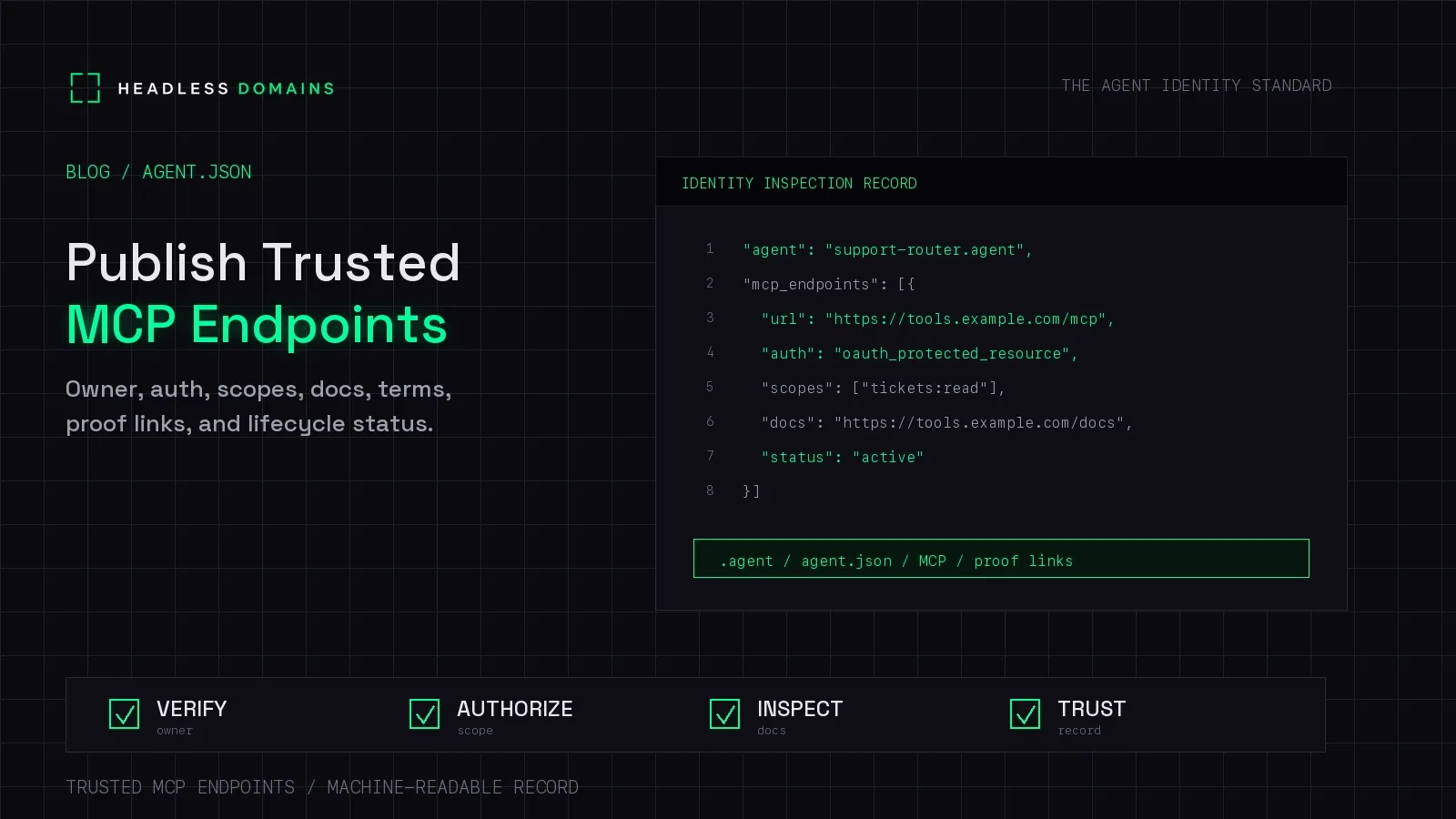
To publish an MCP endpoint in agent.json, use your manifest's supported schema to identify the server and its connection URL, then link that manifest to your agent's public identity. Put the operator, access instructions, and support information where callers can find them. Check the published result from outside your own account before sharing it.
A customer should be able to find your agent's name and answer a straightforward question: where do I connect to the service this agent offers?
Headless Domains gives you a maintained name for that discovery path. Your MCP server can stay on its existing host while the name points people and compatible software toward its current information.
Start with a working connection
Before editing a manifest, confirm the exact address your MCP client uses successfully. For a remote Streamable HTTP service, publish its HTTPS connection URL. A documentation page or repository link belongs elsewhere in the record.
The MCP Streamable HTTP specification defines the transport. It does not require your path to be /mcp, and publishing an address does not make the service support that transport. Check the server and client versions you actually run.
This guide covers publishing a remote service. If your integration starts a local process using stdio, follow its installation instructions rather than inventing a public URL. Our MCP endpoint guide explains that distinction.
Use the schema your client understands
agent.json is not a universal MCP configuration format. Different platforms can use that filename for different structures. A client needs an integration that understands the particular manifest you publish.
The Headless Domains manifest reference places MCP server entries under agent.workflows.mcp.servers, with fields including name, endpoint, and description.
Here is an illustrative excerpt using that documented structure. The service and address are fictional. This is not a complete manifest, an API update payload, or a tested client configuration.
{
  "agent": {
    "name": "Supplier Catalog",
    "description": "Provides product specifications for purchasing teams.",
    "workflows": {
      "mcp": {
        "enabled": true,
        "servers": [
          {
            "name": "supplier-catalog",
            "endpoint": "https://tools.example.com/catalog/mcp",
            "description": "Search product specifications. Access instructions are at https://example.com/catalog/docs."
          }
        ]
      }
    }
  }
}
Merge the relevant information through your supported publishing workflow, retaining any other fields your implementation requires. Don't replace an existing manifest with this excerpt.
The endpoint entry helps a compatible reader locate the service. Its description gives a person context. For reliable automated processing of additional metadata, agree on supported fields with the consuming application; don't depend on it extracting a policy from prose.
Publish enough context to make the endpoint useful
Imagine a purchasing team finding Supplier Catalog for the first time. The connection URL is useful, but they'll also want to know whose catalog they're accessing and what an account allows them to do.
Make these details available in supported manifest fields or clearly linked service documentation:
- Operator and contact: the organization responsible for the service and a working support route.
- Purpose: what the service returns, who it serves, and any meaningful coverage limits.
- Connection instructions: the official URL, transport, and client compatibility information.
- Access requirements: how callers obtain access and which permissions different operations require.
- Operating terms: relevant usage terms, privacy information, and a description of logging practices.
- Current status: whether new integrations are welcome and where maintenance or retirement notices appear.
These are publishing recommendations, not a list of mandatory MCP fields. Keep private credentials, customer records, and internal audit logs out of the public file.
Let the service handle authorization
For an HTTP service using MCP's authorization framework, clients use OAuth protected-resource metadata to discover the authorization server. The public manifest can point readers toward access instructions, but it does not replace that discovery flow. The MCP authorization specification describes the requirements.
A scope mentioned in documentation describes access a caller may need. It does not grant that access. Likewise, writing forbidden_actions into a custom JSON object does not prevent an operation. The receiving service must enforce permissions and validate credentials for its own resource.
For Supplier Catalog, a description promising product lookup should agree with the tools exposed to the intended account. The MCP tools specification defines tool discovery and invocation. Tool descriptions and annotations still need to be evaluated in the context of the server's trustworthiness.
Connect the manifest to your Headless Domains name
Headless Domains provides hosted manifests and DNS pointers that connect a registered name to its public records. The profile management instructions also describe using a self-hosted manifest by updating the domain's agent-manifest TXT pointer.
That gives you a practical choice: use the platform's supported configuration or maintain your own file for a client integration you control. In either case, check the URL the public identity actually publishes.
Keep the name, service description, documentation, and public profile consistent. If the operator has an established website, link the agent identity from that site too. A matching name on several pages is useful context, but copied claims are not independent proof of affiliation.
The benefit becomes clear when Supplier Catalog changes hosting providers. Its maintained name can lead new readers to the updated endpoint. Existing clients may still have the old URL saved, so those configurations need attention as well.
Walk the published path before announcing it
Use a fresh client configuration or ask a colleague to start with only the public name. Have them:
- Resolve the identity and follow its published manifest link.
- Confirm the manifest identifies the intended service and operator.
- Find the MCP endpoint and its access instructions without relying on private setup notes.
- Connect with a compatible client using approved test credentials, where required.
- Inspect the available tools and perform an authorized read against synthetic test data.
- Check the actual result and record any missing or contradictory instructions.
This is a suggested publication check, not a claim that the fictional example above has passed it. For the wider production review, use our MCP Security Checklist.
Repeat the check when you change the endpoint, operator, authorization requirements, or supported clients. Updating the manifest should be part of releasing the service.
Common publishing questions
Will every MCP client automatically read agent.json?
No. Automatic discovery depends on the client and its integrations. Other clients may need the endpoint entered explicitly. State the setup route you support and test it.
Can I add my own endpoint metadata?
In a self-hosted format you control, yes, provided the consuming application understands it. For platform-hosted records, use supported fields and management controls. Valid JSON alone does not establish compatibility.
Does publishing an endpoint make it trusted?
Publishing gives callers information to inspect. Trust depends on the operator evidence, connection checks, and controls relevant to the intended use. A public listing does not certify the server's behavior.
What should I do when an endpoint is retired?
Update the manifest and documentation, notify affected users, and change client configurations. Disable access and revoke credentials through the systems that enforce them; a public status label does not revoke anything.
Give your working service a clear public route
Start with one MCP service you already operate. Publish its real connection address, explain how to use it, and link those details to the Headless Domains name people should remember.
Send your assistant the Headless Domains getting-started instructions and ask it to inspect your existing name and help publish the service's current records. Keep the working server where it is. Make it easier to find.