What Is an MCP Gateway? The Gateway Still Needs an Owner
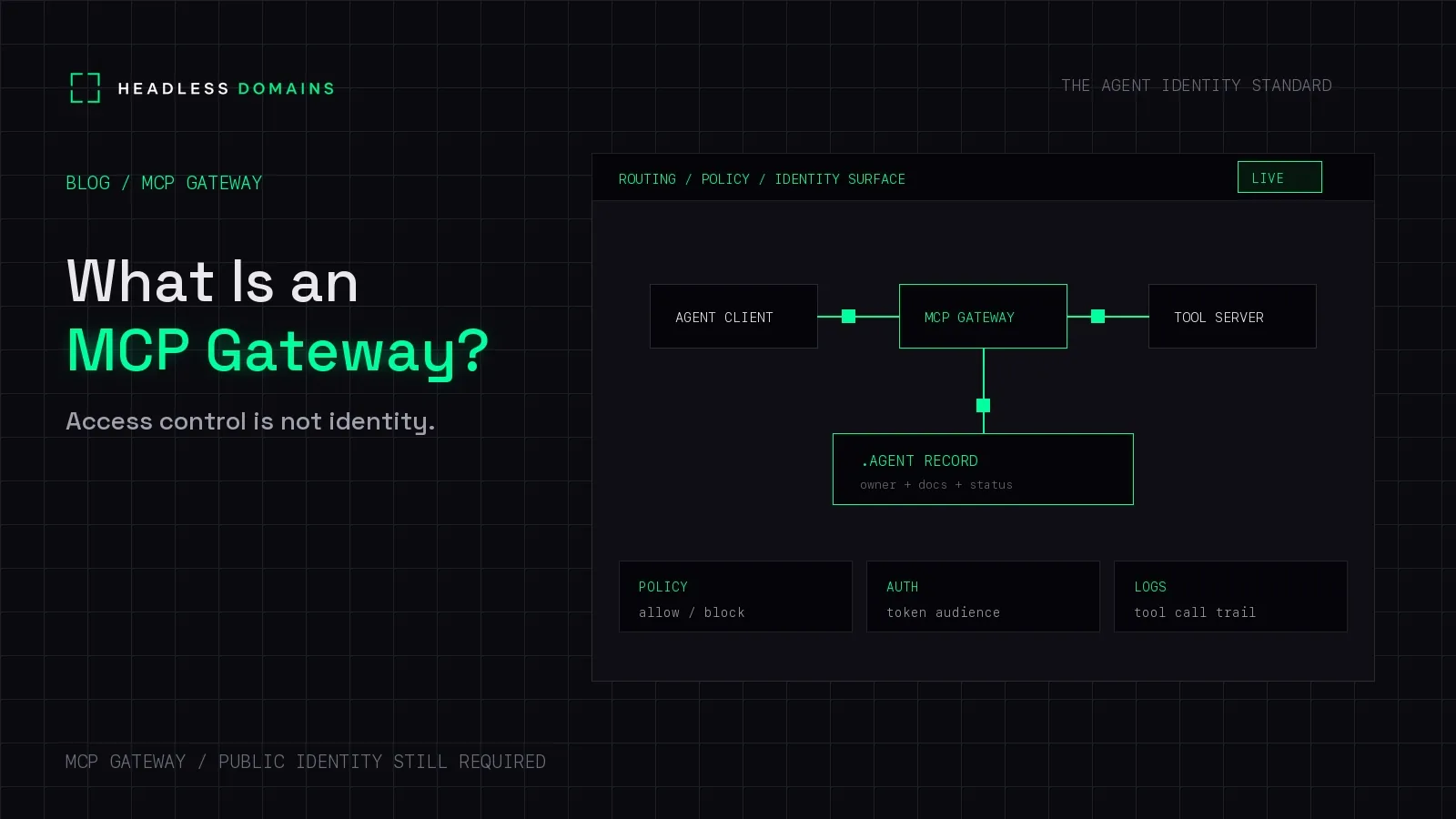
An MCP gateway is a policy front door in front of one or more MCP servers. It can authenticate the caller, decide whether a tool call may run, and write down what happened. It is an operations pattern. It is not a role the MCP specification defines.
The MCP security best practices for the 2026-07-28 revision talk about MCP servers and about MCP proxy servers that connect to third-party APIs. Those proxy rules cover confused-deputy consent and token handling. They do not specify a gateway object, a gateway URL shape, or a gateway identity record. Vendors still build gateways, because a team with many servers wants one place to enforce policy.
Microsoft's Agent Governance Toolkit is one concrete case. Its MCP security gateway tutorial intercepts a tool call and returns whether that call is allowed, plus a reason, before the tool runs. That answers "may this call proceed?" It does not answer "who operates this front door, and which URL is the official one?"
Gateway, endpoint, server
| Which piece | It answers | It does not |
|---|---|---|
| The MCP endpoint | Where the client connects. | Who is accountable for that address. |
| The MCP server | Which tools, resources, and prompts are offered. | Whether this caller may use them right now. |
| The MCP gateway | Whether this caller may invoke this tool on this request. | Which organization publishes the gateway. |
| The public identity | Who operates the official URL, and where the docs and revocation records are. | The allow or deny decision on one call. |
If you only need the connection address, read what an MCP endpoint is. If you are separating the deciding agent from the server and the tool, use MCP server vs AI agent vs tool.
Why the gateway still needs an owner
A gateway concentrates risk. Every client that trusts the front door is trusting the operator behind it: which servers are attached, which tools are hidden, which tokens are exchanged for upstream APIs, and who can turn the policy off.
Runtime policy cannot publish that operator. A token audience check proves the token was meant for a resource. It does not tell a partner, six months later, which company ran the gateway or which URL replaced a retired one.
Put the official gateway URL on a public identity record you control. Name the operator, a support route, and a status (active, restricted, or retired). Point at docs for the auth model. Do not put tokens or upstream client secrets in that record. Copy-paste field blocks for a manifest live on agent.json examples.
{
  "name": "research-gateway.agent",
  "gateway_url": "https://mcp.example.com/gateway",
  "operator": "Example Labs",
  "support_url": "https://example.com/support",
  "status": "active",
  "servers_behind_gateway": ["docs", "quotes"]
}
That JSON is a label for reviewers. It is not an MCP protocol message, and it is not proof the policy engine works.
What to hand the security review
Once the owner and the official URL are clear, the production questions are different: authorization flow, tool scope, untrusted tool output, logs that omit secrets, and how you stop the connection. Those checks are the MCP security checklist. Do not treat a gateway diagram as a substitute for them.
Two spec rules still apply whether or not you insert a gateway. The server must only accept tokens issued for itself, and it must not pass the client's token through to an upstream API. A gateway that forwards the same bearer token to every backend is the failure those rules are written to stop.
FAQ
Is an MCP gateway part of the MCP specification?
No. The spec defines clients, servers, and, in the security guidance, proxy servers that sit in front of third-party APIs. "Gateway" is the name teams use for a policy layer. Ask the vendor which checks it actually runs.
Is a gateway the same as an MCP endpoint?
No. The endpoint is the address. The gateway is a control point that may be what that address reaches. One gateway URL can front several servers. Each server can also be reached directly if you leave that path open, which is its own policy choice.
Does the gateway replace a public identity for the agent?
No. The gateway governs a call. The identity record tells the rest of the network who operates the gateway and which URL is current. You want both.
Where do I publish the gateway URL?
On the identity record for that service, next to the operator and the support route. Match the field names to the manifest schema you actually ship.
Name the operator behind the gateway, then point that name at the URL your policy engine really serves.