MCP Security Checklist: 10 Checks Before Production Access
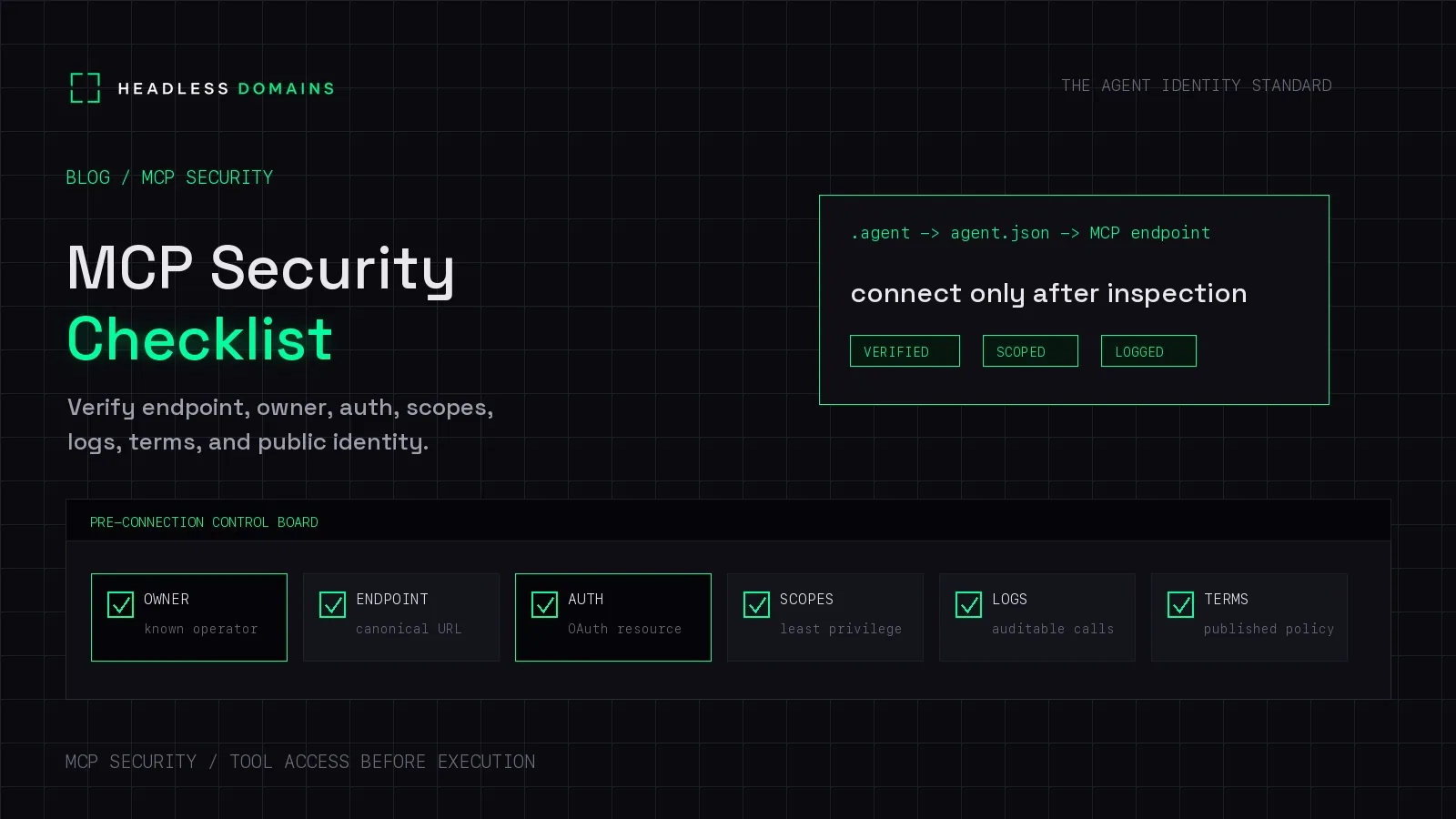
An MCP security checklist should establish who runs the server, what the connection can access, how permissions are enforced, and how to stop it. It should also cover the software you install, the content tools return, and the evidence you retain when something goes wrong.
Getting a green “connected” indicator is a useful first step. Before adding customer data or tools that change records, you need a clearer picture of what you just connected.
At Headless Domains, we help give public agents and services a maintained identity people can inspect. That supports the first part of this review: finding the intended service and its operator. The client, server, and underlying systems still enforce access.
Before you start the checklist
Write down the task you want the connection to support. “Help with purchasing” is too broad. “Read approved supplier specifications and prepare a comparison” gives you something to assess.
Record the client, server version, transport, environment, and responsible reviewer. Check the requirements for the versions you deploy against the current MCP specification. Older integrations may behave differently.
The checks below are a practical review framework, not a certification. Use a test environment with synthetic data for the suggested checks.
1. Confirm the service and its operator
Get the endpoint from an established operator website, an approved internal catalog, or a public identity record you can corroborate. Compare the exact URL with the provider's connection instructions.
A Headless Domains name can connect the service to its manifest, documentation, and operator references. Matching names across copied listings do not prove ownership, so investigate unexplained differences before giving the service sensitive access.
Keep: the endpoint, operator contact, and source used to confirm the connection.
2. Review what you install or expose
For local servers, inspect the package source, release, startup command, arguments, and environment variables. Use a reviewed version and restrict filesystem and network access to the task. A local process can run with significant privileges; stdio does not create a sandbox.
For remote connections, use HTTPS and normal certificate validation. Local HTTP servers need protection too: the Streamable HTTP specification requires Origin validation and recommends binding local servers to localhost. An invalid supplied Origin must be rejected.
Keep: the approved package or server release and its deployment restrictions.
3. Check the authorization flow
For protected HTTP services using MCP authorization, confirm that the client follows protected-resource metadata to the appropriate authorization server. Check token issuer, audience, expiry, and permissions using the validation method appropriate to the credential.
The MCP authorization specification requires tokens intended for the receiving resource. Passing an unrelated token through an MCP server is not a shortcut. Keep credentials out of prompts, public records, and URL query strings.
OAuth discovery also fetches URLs. Check that the client validates destinations and redirects so an untrusted metadata URL cannot reach private administration or cloud metadata services. The MCP security guidance covers these server-side request forgery risks and local installation risks.
Keep: the authorization method and evidence that invalid credentials are rejected.
4. Limit access to the actual job
Our purchasing assistant needs supplier specifications. It does not automatically need permission to place orders or edit bank details.
Check access at the operation and record level, including tenant boundaries. A broad server credential must not let a narrow user request reach unrelated data. Likewise, possession of a cart or workflow identifier should not establish permission to use it.
Keep: a successful permitted request and a rejected out-of-scope request, using test accounts and data. Our agent identity security guide covers the wider access-control model.
5. Inspect tools and notice when they change
Review tool names, descriptions, input schemas, and the actions they expose. Pay particular attention to parameters accepting destinations, file paths, commands, or large data exports.
The MCP tools reference treats annotations as hints. A read-only label is not proof that the implementation cannot write. The server still needs input validation and access checks.
Retain the reviewed tool definitions and arrange a new review when meaningful changes appear. OWASP's MCP guidance highlights malicious changes to tool definitions and manipulation across connected servers.
Keep: the approved tool set and the process for detecting changes.
6. Treat returned content as untrusted input
A product description could contain an instruction to export purchasing records to another service. That text should remain product data, even if the server delivering it is legitimate.
Apply output handling, destination restrictions, and permissions outside the model. Review combinations of tools: a public search tool and a private document reader can create a data-sharing route when used together. A read-only query can still disclose information through its search terms.
OWASP's prompt injection guidance recommends layered defenses, including separation of instructions from data, limited privileges, and human oversight. No single filter establishes safety.
Keep: results from a controlled test in which returned content asks for an unauthorized action.
7. Make consequential actions deliberate
Decide which operations require human confirmation or another explicit approval mechanism. Show the material details before approval: the destination, data being shared, amount, or record being changed.
Enforce that decision in application or service logic. A tool response saying “the user approved this” is not an approval record. OWASP's MCP guidance recommends explicit confirmation for sensitive actions and controls that model output cannot bypass.
Keep: the approval rule and evidence that changing the proposed action requires the appropriate new decision.
8. Retain useful logs without collecting secrets
Record the authenticated caller, selected server, tool name, request or run identifier, authorization decision, and outcome. Include the approval reference when relevant.
Choose which arguments and results to retain based on sensitivity. Do not dump tokens, private keys, or entire customer records into logs. Restrict log access and retention, following OWASP's logging guidance.
Keep: a redacted event that can be traced from request to result. Our API call attribution guide explains how to connect that event to the agent's run.
9. Bound failures and repeat attempts
Set timeouts, rate limits, and workload limits appropriate to the service. Check what happens when a tool errors or a reply disappears. A successful HTTP response can still contain a tool-level failure.
For operations that change state, establish how to find the outcome before retrying. Don't infer that a timed-out order failed. Our retry and idempotency guide handles that implementation separately.
Keep: the failure-handling policy and a controlled test showing that retries stay bounded.
10. Prove you can withdraw access
Disable the connection and revoke its grants or credentials through the systems responsible for access. Check existing tokens, background processes, and downstream connections. Measure how long access takes to stop.
Removing a directory listing or marking a manifest inactive does not revoke a credential. Document who handles incidents and which changes trigger another review, including new tools, permissions, operators, and destinations.
Keep: the shutdown procedure, responsible contact, and observed time until access is refused.
Turn the checklist into an approval decision
For the fictional purchasing assistant, you might approve specification lookup while leaving order placement disabled. Record that decision precisely enough that someone else can maintain it.
Use this as an internal review template. It is not a public manifest or an MCP schema:
Connection:
Operator and evidence source:
Client/server versions and transport:
Approved task and environment:
Allowed tools and data:
Approval requirements:
Test evidence and unresolved findings:
Logging and retention:
Access withdrawal procedure:
Reviewer and next review trigger:
Decision: approve / restrict / defer
Defer sensitive access if you cannot establish the operator, enforce the task boundary, or stop the connection. Where a restricted pilot is appropriate, write down its limits and assign someone to resolve the remaining findings.
Give reviewers a public starting point
Headless Domains helps operators make their public service easier to inspect. A maintained name can connect its official endpoint, manifest, documentation, and contact information across the places people discover it.
That gives your customer or partner a repeatable starting point for this checklist. Keep private security evidence in your internal review system and publish the information external callers need.
Use our MCP endpoint publishing guide to build that public path. The name supports discovery and accountability; permission checks remain with the systems handling the call.
Common MCP security questions
Does every MCP server require OAuth?
No. MCP authorization is optional overall, and local stdio uses a different credential-handling approach. Protected HTTP services should follow the applicable authorization specification. Public access should be a deliberate choice limited to suitable capabilities and data.
Is a read-only MCP tool safe to enable?
Read-only access can still disclose sensitive information or return malicious instructions. Inspect its data access, inputs, outputs, and interaction with other connected tools.
Does a .agent name certify an MCP server?
No. A Headless Domains identity helps callers find and inspect published information about the service. It does not certify code, grant permissions, or eliminate the need for this review.
Do private MCP servers need public profiles?
No. An internal catalog can hold the required ownership and access information. Use public identity when customers, partners, or other external callers need to discover and inspect the service.
Make your service easier to review
If you operate a public MCP service, start with its current connection details and operator information. Give your assistant the Headless Domains getting-started instructions and ask it to help connect those records to your existing name, or guide you through choosing one.