AI Agent Registry Checklist: 10 Checks Before Production
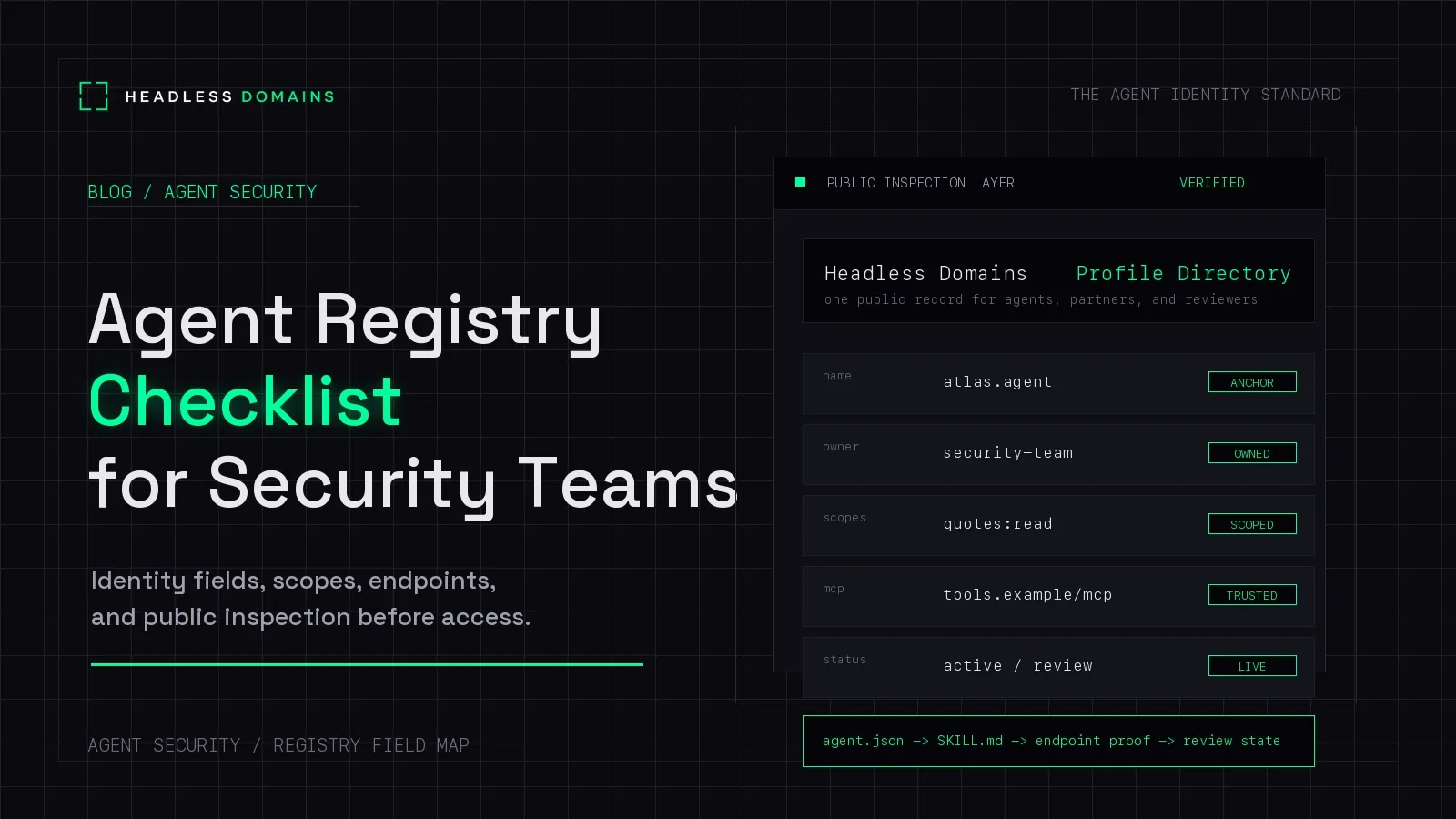
An agent registry checklist helps you create a complete, reviewable record of an AI agent before it receives production access. Record who owns it, what work is approved, which identities and permissions it uses, what it connects to, and where the supporting evidence lives.
Could someone outside the build team open the record and understand what this agent is allowed to do? A name and a green “active” badge won't tell them much.
For services working across organizations, a headless domain adds a public reference to that internal record. Your team can connect the named service to its deployments and access controls, while customers and other agents can find its official information.
Build the record around evidence
This checklist is for preparing an entry for review. If you need the broader explanation, start with what an agent registry is.
For each important field, record the value, its source, who checked it, and when. Keep “not checked” separate from “not applicable.” A blank payment field, for example, cannot tell a reviewer whether spending is prohibited or nobody looked.
Your registry can link to existing identity, deployment, finance, and logging systems. It doesn't need to copy their contents. Those systems remain responsible for enforcing their controls.
Ten checks for a reviewable agent registry entry
1. Separate the registry ID from the public name
Assign a stable internal ID and record the agent's display names, aliases, and any public headless domain. Specify what the public name identifies: one agent, a customer-facing service, or a process operated by several agents.
Keep the links to deployment IDs and runtime identities. A .bpo service can use several workers without making them the same security principal. Record environments separately where their access or ownership differs.
2. Name the people responsible
Record the accountable operator, business sponsor, technical owner, and escalation route. For a third-party agent, include both the external provider and your internal sponsor.
Attach an ownership confirmation or approval reference. A team name copied from an old launch document is a starting point, not confirmation that the team still accepts responsibility.
3. Write down the permitted work and data
Describe concrete tasks and outputs. “Reviews supplier invoices and prepares exceptions for a person to approve” gives a reviewer more to work with than “finance assistant.”
Record the data classes it may access, permitted destinations, and actions outside its remit. Identify the approved workflow or configuration version so later changes can be compared with what was reviewed.
4. Locate the deployment and its dependents
Record where the agent runs, its deployment reference, environment, and runtime configuration version. Include schedulers, queues, delegated agents, and other components that can start or continue work on its behalf.
Link to deployment evidence. The public service may keep its name while its implementation changes, so the registry needs the current mapping between them.
5. Record how each connection authenticates
Identify the credential issuer, principal or account ID, authentication method, and credential-management reference. Record whether each connection uses the agent's own permissions or access delegated by a user. Keep credential values out of the registry.
Microsoft Entra distinguishes autonomous access from delegated access. The same agent can need different records for those two arrangements.
Google Cloud's MCP authentication guidance recommends a separate agent or workload identity for production. It also explains that requests using a user's own identity are attributed to that user. Your registry should make that distinction visible before an audit has to untangle it.
6. Compare approved permissions with actual grants
Record both the access requested for the task and the access currently granted. Include the target resource, tenant or project, relevant role or scope, approval reference, and any expiry.
Attach evidence from the system enforcing access. A manifest declaring “read only” does not remove a write permission in IAM. Likewise, a server advertising an OAuth scope does not prove that this agent has been granted it.
Keep unresolved differences visible. The agent access review guide covers the recurring decision about which permissions should remain.
7. Map connections in both directions
Separate services the agent calls from interfaces it exposes. For each relevant MCP server, API, webhook, or peer agent, record its operator, connection address, purpose, authentication reference, and data permitted to cross that connection.
Keep private addresses in the internal record. Public documentation should describe only the interfaces you intend outsiders to discover. Use the MCP security checklist for the deeper review of individual tool connections.
8. Make payment authority explicit
Record whether the agent can request prices, accept payments, spend funds, approve purchases, or issue refunds. Those are different permissions. Publishing an endpoint that accepts payment says nothing about the agent's authority to spend.
Where spending is enabled, link to the enforcing account, mandate, budget policy, approval rules, and revocation owner. Record applicable amount, recipient, and time limits. If spending is prohibited, attach evidence of the restriction rather than relying on an instruction in the prompt.
9. Attach the audit and shutdown references
Link to the logging system and record how activity maps back to the registry ID, deployment, authenticated principal, and relevant user delegation. Keep a redacted sample or test reference showing that the connection works.
Record who can suspend the deployment and where each credential or grant can be withdrawn. Link the offboarding runbook instead of squeezing the whole shutdown process into a status field.
10. Approve a separate public record
For a public or partner-facing service, select the information outsiders need: its name, operator, purpose, official interfaces, documentation, support route, and relevant policies. Link to the current manifest and profile where available.
Keep internal account IDs, grant details, private infrastructure, customer information, and audit records out of that public view. Assign someone to maintain it when the service changes.
A private agent can remain entirely internal. A service that customers or other agents need to find benefits from a public name connected to accurate records.
A registry template that shows what is still missing
The example below is a custom internal template, not a Headless Domains API payload or an agent.json standard. invoiceprep.bpo is a fictional example; availability has not been checked. The empty evidence fields deliberately keep the review pending.
{
  "registry_id": "service-0042",
  "public_name": "invoiceprep.bpo",
  "owner_team": "finance-operations",
  "approved_task": "Prepare invoice exceptions for human review",
  "deployments": [
    {
      "id": "invoice-worker-production",
      "environment": "production",
      "principal_reference": null,
      "configuration_reference": null
    }
  ],
  "access_review": {
    "intended_actions": ["read_invoices", "prepare_exception_report"],
    "grant_evidence_reference": null,
    "checked_by": null,
    "checked_at": null
  },
  "payment_review": {
    "intended_authority": "no_spending",
    "enforcement_evidence_reference": null
  },
  "public_information": {
    "profile_url": "https://example.com/invoice-preparation",
    "publication_approved": false
  },
  "readiness": {
    "decision": "pending",
    "open_items": [
      "Confirm owner acceptance",
      "Map production principal and actual grants",
      "Attach logging and suspension evidence",
      "Review the public information"
    ]
  }
}
An empty evidence field gives the next person a clear job to finish. Fill the references from your own systems, resolve the open items, and record who made the readiness decision.
How to decide whether the entry is ready
For the proposed access, a reviewer should be able to identify the owner, locate the deployed actor, inspect its actual grants, understand the permitted data and actions, and find the evidence and suspension route.
Use a decision such as ready, restricted pilot, or blocked in your internal process. If you accept an exception, document its owner, limits, expiry, and compensating controls. A registry label only affects deployment or access when your workflow connects it to enforcement.
Schedule reviews according to authority, data sensitivity, and how quickly the implementation changes. Monthly review can be a team policy for higher-risk agents; it is not a universal protocol requirement. Ownership changes, new tools, broader grants, and payment changes should trigger a fresh check when they affect the approval.
Connect the internal record to a headless domain
The registry helps your team understand the service. A headless domain gives people outside that team a maintained name for finding it.
Use a namespace that fits the work: .chatbot for a conversational service, .bpo for an operated business process, or .factory for a production system. Our other namespaces include .agent, .boss, .protocol, and .manifest. The registry should state exactly what the chosen name represents.
Headless Domains documents hosted agent.json and skill files with TXT pointers in its manifest reference. Review the generated information and connect it to the service's current public interfaces. Use the documented HTTPS lookup and resolution routes; do not assume a headless name will open directly in an ordinary browser.
Partners can follow the public name to current service information. Behind it, your internal records track the deployments and credentials doing the work. The name does not grant permissions, and a public claim still needs appropriate verification.
Common registry checklist questions
Does every temporary worker need its own public domain?
No. Track temporary workers through runtime identities and execution records linked to their parent service. Give a separate public name to an actor or service that others need to recognize independently. Separate permissions and accountability may still require distinct internal identities.
Can a small team start with a spreadsheet?
Yes, if access to it is controlled, changes are tracked, and evidence links stay current. A spreadsheet can organize the record; IAM and the connected services still enforce access. Move to more structured tooling when manual updates stop being reliable.
Should the registry contain API keys?
No. Store references to credentials in the system that manages them, along with the responsible owner and revocation path. Keep API keys, tokens, and private keys in an appropriate secret-management system.
What should happen when a required field is unknown?
Mark it as unverified, assign an owner to resolve it, and assess whether the missing evidence blocks the proposed access. Do not turn an unknown value into “approved” just to complete the row.
Start with one service people need to find
Choose one agent-operated service, complete its internal record, and give its approved public information a headless domain. Your team gets a traceable connection to the implementation, and your users get a name they can return to.
Send your agent the Headless Domains machine instructions and ask it to explain how to register a suitable name and maintain the public records linked to your registry.