Microsoft Entra Agent ID vs a Headless Domains Public Name
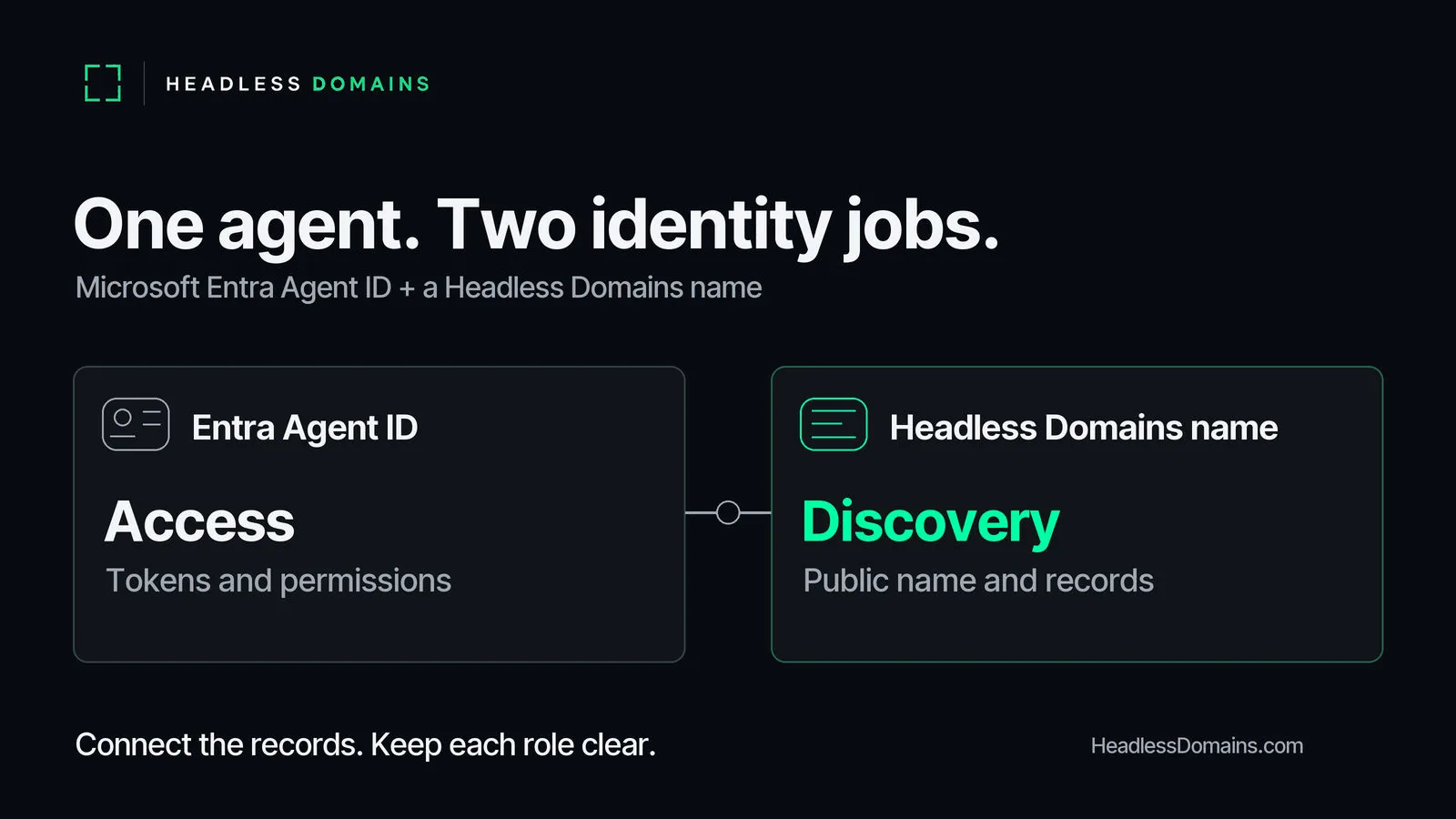
Microsoft Entra Agent ID gives an AI agent a governed account for authentication and access. A Headless Domains public name gives people and compatible agents a maintained name and records to look up. You can use them together, but registering one does not create or configure the other.
Keep the Entra rollout focused on the resources your agent needs to access. If customers or partners also need to find its official service, plan the public name alongside it. This comparison explains which record belongs in each system and how to keep them connected.
What Microsoft Entra Agent ID controls
Microsoft's Entra Agent ID overview describes dedicated identities for agents, with authentication, access protection and governance. It supports agents built on Microsoft and non-Microsoft platforms. Entra-issued tokens can protect Microsoft Graph, your APIs and third-party services that accept them.
An agent identity blueprint creates the individual agent identities and acquires tokens on their behalf. The agent identity itself is a specialized service principal without its own credentials. Each identity belongs to one tenant. Microsoft documents that a multitenant blueprint can create tenant-local identities in other tenants; the individual identities remain single-tenant.
Entra also records accountable sponsors and supports policy and lifecycle controls. Check Microsoft's current documentation and licensing terms for the protections your deployment needs. These controls govern access. They do not automatically register a public Handshake name or publish a service profile.
What a Headless Domains public name provides
HeadlessDomains.com provides Handshake names and public discovery records for agents, services and systems. Compatible callers use maintained Headless Domains and SkyInclude API or CLI infrastructure to resolve a name and inspect its published information. The agent can keep its existing runtime and HTTPS service address.
The public resolver and Domain Actions instructions explain how callers find identity information, linked files and advertised services. An active lookup tells you the registry reports the name as active. You still need to check the caller, operator evidence and permission for the requested action.
Your public records should point to the service you actually operate. Keep them current when its address changes; the canonical identity guide covers continuity across those changes. Credentials and private tenant details stay in the systems that manage access.
What belongs in each system
| Question | Entra Agent ID | Headless Domains name |
|---|---|---|
| Where is it managed? | Your Microsoft Entra tenant | Domain account and public discovery records |
| What does another party receive? | Tokens for resources that accept the configured issuer and permissions | A name to resolve, with published identity and service references |
| What job does it handle? | Agent authentication, access policy and governance | Public naming and discovery across compatible clients |
| What still needs configuring? | Any public name, records and service discovery path | Service authentication, consent and permissions |
The Agent Identity Stack places naming, discovery and access controls in the wider architecture. Here, the decision is narrower: which Entra identity and which public name describe this particular service?
Connect them in one deployment record
Suppose your team runs an invoice assistant. It reads approved documents through Microsoft Graph and offers partners an API for submitting invoice questions. The Graph access belongs in Entra. The public name points partners to the assistant's official service information. Each receiving API still authenticates and authorizes its own requests.
Keep a private deployment record with the exact public name, Entra tenant and agent object IDs, blueprint reference, accountable owner, approved service endpoint and retirement procedure. Your team maintains this mapping. It is a suggested runbook record; neither product automatically creates the connection described here.
Assign responsibility for changes. Replacing an Entra identity should trigger a check of the mapping. Moving the partner API should trigger a public-record update. Retiring the assistant requires revoking its access through the appropriate providers and updating the public service information. Changing a profile alone does not revoke an Entra token.
If the harder question is how another organization accepts an unfamiliar agent's authority, continue to the Open Authority Plane article. That is a separate architecture decision from choosing these two records.
Check each side before calling the setup complete
For Entra, ask your administrator to confirm the blueprint, individual identity, sponsor and permissions. Use a harmless request to the intended resource to check access and attribution. Check that an unapproved request is refused and that revoked access stops working under the deployment's documented rules. The Microsoft Entra Agent ID documentation is the starting point.
For the public name, use a fresh caller to resolve it and follow its published service references. Check that the description matches the deployed assistant and that the contact route works. A successful lookup shows the discovery path worked in that check. The receiving service must still grant access.
Finally, compare the private mapping with the records in each system. When the assistant's job or permissions change, use the agent access review checklist to recheck the deployment rather than treating the original approval as permanent.
Give partners a public starting point
If this agent needs a public name, use the .agent registration guide to choose one. Already registered? Follow the after-registration guide to complete its profile and connect a useful service. Add that exact name to the deployment record alongside its Entra identity.