How to Make Your Store Discoverable to AI Shopping Agents
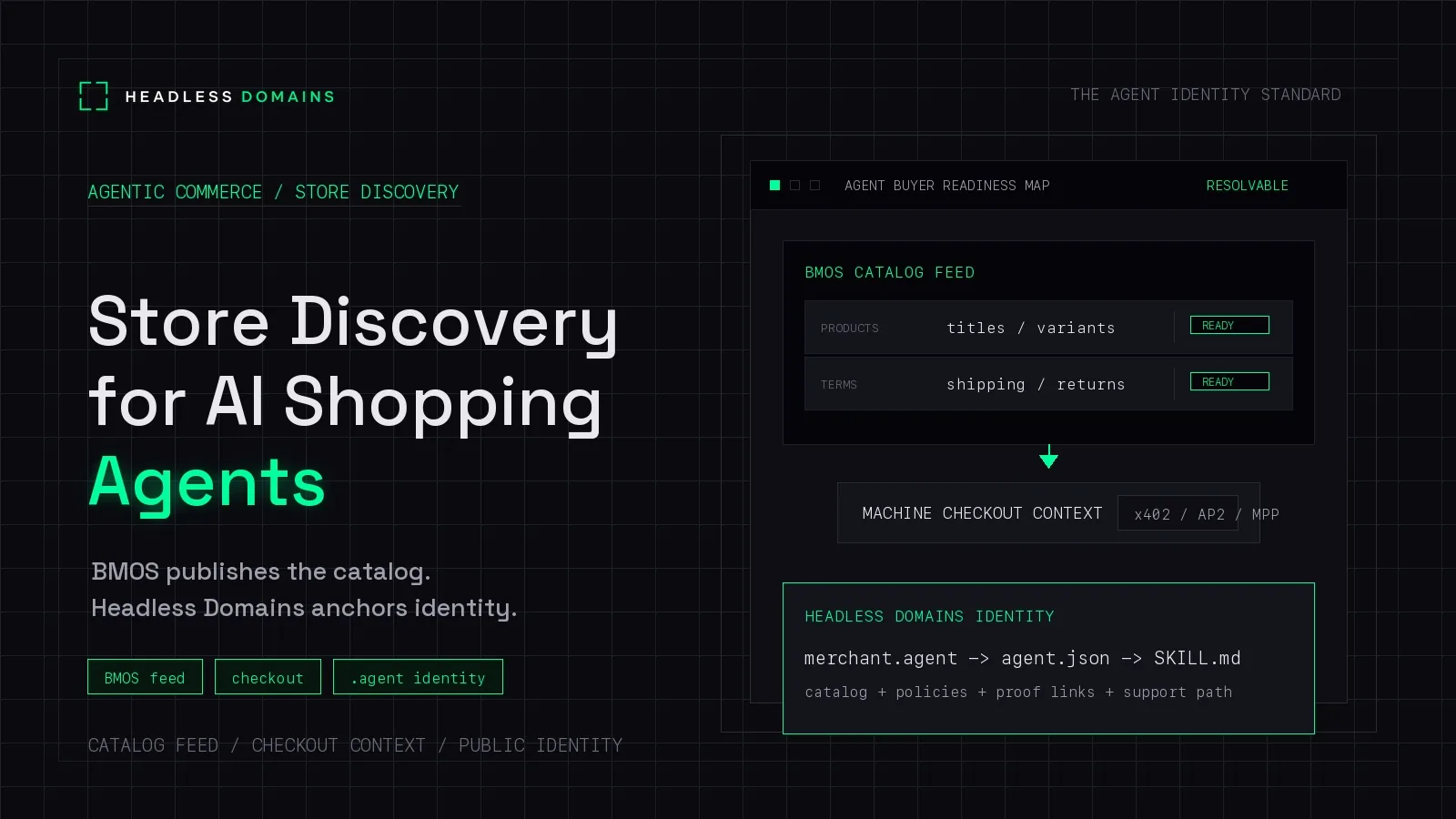
To make your store discoverable to AI shopping agents, connect accurate product information to the channels those agents actually use. Start with accessible product pages and the merchant feed or platform integration your chosen channel accepts. Then check that it receives the right products.
A feed sitting on your server is only a starting point. Someone still has to find it, fetch it, and use it. The same applies to a public agent identity: it can help compatible software locate your catalog, but it does not submit your products to every shopping assistant.
Start with one channel and a handful of products. Prove the discovery path before adding more infrastructure.
Choose where you want shoppers to find you
“AI shopping agents” covers several different routes. A search-backed assistant may find your product pages. A shopping platform may use an approved catalog integration. A procurement agent may fetch a feed you have explicitly connected to its tools.
Each route needs its own distribution work. Test each route you plan to use.
Google Search and its AI features
For Google, start with the existing search foundation. Its generative AI optimization guidance connects visibility to Search eligibility and established SEO practices. Check indexing, snippet eligibility, and applicable Search settings before looking for a special AI file.
For products, Google supports both Product structured data and Merchant Center feeds. Keep buyable pages accessible and review the product issues reported in your merchant account. Using both routes can expand eligibility; neither guarantees that a particular shopping answer will feature your store.
ChatGPT and Shopify Catalog
Check what your ecommerce platform already distributes. Shopify agentic storefronts are active by default for eligible stores, with channel controls in the Shopify admin. Its ChatGPT integration supports product discovery and sends shoppers to the merchant’s store to complete checkout.
A Shopify merchant should inspect eligibility, enabled channels, and product data before paying to recreate a connection the platform already provides.
For other merchant integrations, consult OpenAI’s shopping guidance and the available product-feed access route. Follow the format accepted for your integration. The current OpenAI product specification separates search eligibility from checkout and advertising controls. An eligible product is still not guaranteed a place in an answer.
Custom buyer agents and partner integrations
If a distributor, procurement team, or shopping-agent developer wants to read your catalog directly, agree on the entry point. It might be a feed URL, a catalog API, or a merchant identity that resolves to those resources.
Ask the practical question: what will this agent actually fetch? Publishing an extra file is useful only when a consumer knows how to find and interpret it.
Make the product found match the product for sale
Choose five products for the first pass. Include one with variants, one with a shipping restriction, and one that is unavailable. Those cases expose mistakes a catalog of simple, in-stock items can hide.
For each item, compare the product page with the data delivered to your chosen channel. Check the specific variant, identifier, image, price, currency, availability, and destination URL. A listing for a blue medium shirt should not land on a page that silently selects a black small.
Google documents structured data for product variants. OpenAI’s feed specification also distinguishes individual items and variants. Use the receiving channel’s actual fields instead of assuming that one JSON file works everywhere.
Keep shipping and return information easy to reach from the product. When a buyer asks whether an item ships to their country or qualifies for returns, the assistant needs a source that answers that question.
For the broader data design, see our product feed and agent-readable catalog guide. Here, the immediate job is to confirm that the offer reaching the channel matches the offer on your store.
Where BMOS and a Headless Domain help
Build My Online Store (BMOS) provides a commerce backend that can publish structured product information and checkout context for compatible agents. A Headless Domains identity can give those agents a maintained name through which to find the catalog.
There is a public example you can inspect. The lookup response for mike.agent includes a commerce_catalog object with a feed_url. Following that URL returns a BMOS catalog with product records and checkout capability information.
That demonstrates a name-to-catalog lookup. It does not demonstrate placement in ChatGPT or Google. Likewise, a feed’s search or checkout flags describe settings in that feed; they do not prove that another platform has accepted it.
The Headless Domains BMOS integration instructions describe the binding between a storefront and a name, including a bmos: feed pointer. Use the current instructions and returned records when configuring your own store.
Your normal website can stay on its existing domain. Compatible agents can inspect the name through Headless Domains’ HTTPS lookup service, so the discovery path does not require them to open a .agent address in a conventional browser.
The name remains useful if the catalog moves and you update its records. It gives returning agents a place to look again. Registration and records still need maintenance, and a published pointer is a claim about the catalog’s source. It does not certify the merchant or authorize a purchase. Our guide to reading an agent identity record explains what to inspect before relying on those claims.
Test discovery separately from reading
Giving an assistant your store URL and getting a good answer can be encouraging. It proves less about discovery than it first appears: you supplied the destination.
Run two separate checks in fresh conversations with an assistant that has the relevant search or browsing tools enabled.
First, leave your store out of the request
Use a realistic shopping question without your brand name, domain, or feed URL. For example:
Find three rechargeable reading lights under $40 that ship to Canada. Compare their brightness settings and return policies, and link to the product pages you used.
Adapt the category and constraints to products you sell. Record which stores appeared, which sources the assistant cited, and whether the answers matched those sources. A missing recommendation is not proof of a technical fault. Your offer may be absent from the channel, unsuitable for the request, or simply not selected.
Then supply the product URL
Read this product page: [your product URL]. Identify the exact variant, current listed price, availability, shipping restrictions, and return policy. Cite the sources you can access. Mark anything you cannot verify. Do not create a cart or buy anything.
If the assistant can read the supplied page accurately but never finds it in the first check, investigate channel inclusion and search visibility. If it struggles with the supplied page too, investigate access, missing facts, and conflicting product data.
For a custom BMOS integration, run a third check from the merchant name through the lookup response to the feed. Record the URL actually fetched and the product identifier returned. This tests the connection you control.
Keep a small discovery log
For each check, save the channel, prompt, tool settings, source URLs, product identifiers, and time of the run. Note where the problem appeared:
- Submission: the channel has not accepted the store or product.
- Access: the page or feed cannot be fetched.
- Interpretation: the agent reads the wrong variant, price, or policy.
- Selection: the product is available to the channel but does not appear in the tested answer.
These need different fixes. Rewriting your product description will not resolve a rejected feed. Adding another identity file will not repair a blocked product page.
Repeat a small set of representative questions after material catalog or integration changes. Treat the results as observations from those runs, not a universal AI visibility score. Use channel reports and referral data alongside them.
You can be discoverable before agents can buy
A store can appear in shopping research while sending the buyer to an ordinary checkout. Machine payments, autonomous purchasing, and order-management APIs are separate implementation decisions.
Our AI shopping readiness checklist covers the wider merchant workflow. Teams building callable catalog or commerce services can also use the agent-ready API guide. Neither project needs to delay fixing a broken discovery connection.
Do you need llms.txt to appear in AI shopping results?
Google’s AI optimization guidance explicitly says it ignores llms.txt for Search visibility and rankings. A curated instruction file may help an agent that chooses to read it, but it is not a substitute for product indexing or a supported merchant integration.
The same discipline applies to a .agent name: use it for a clear discovery relationship that compatible agents can follow, without treating it as a ranking shortcut.
Connect one catalog to one maintained identity
Start with five products, one discovery channel, and a record of what actually happened. Fix the first broken step, then expand.
If you want compatible agents to find your catalog through a persistent public name, send your coding assistant to the Headless Domains skill file. Ask it to explain registration requirements and the BMOS catalog connection before creating an account or spending money. Keep your existing store working while you add a name agents can return to.