MCP Marketplace Identity Checklist: 7 Release Checks
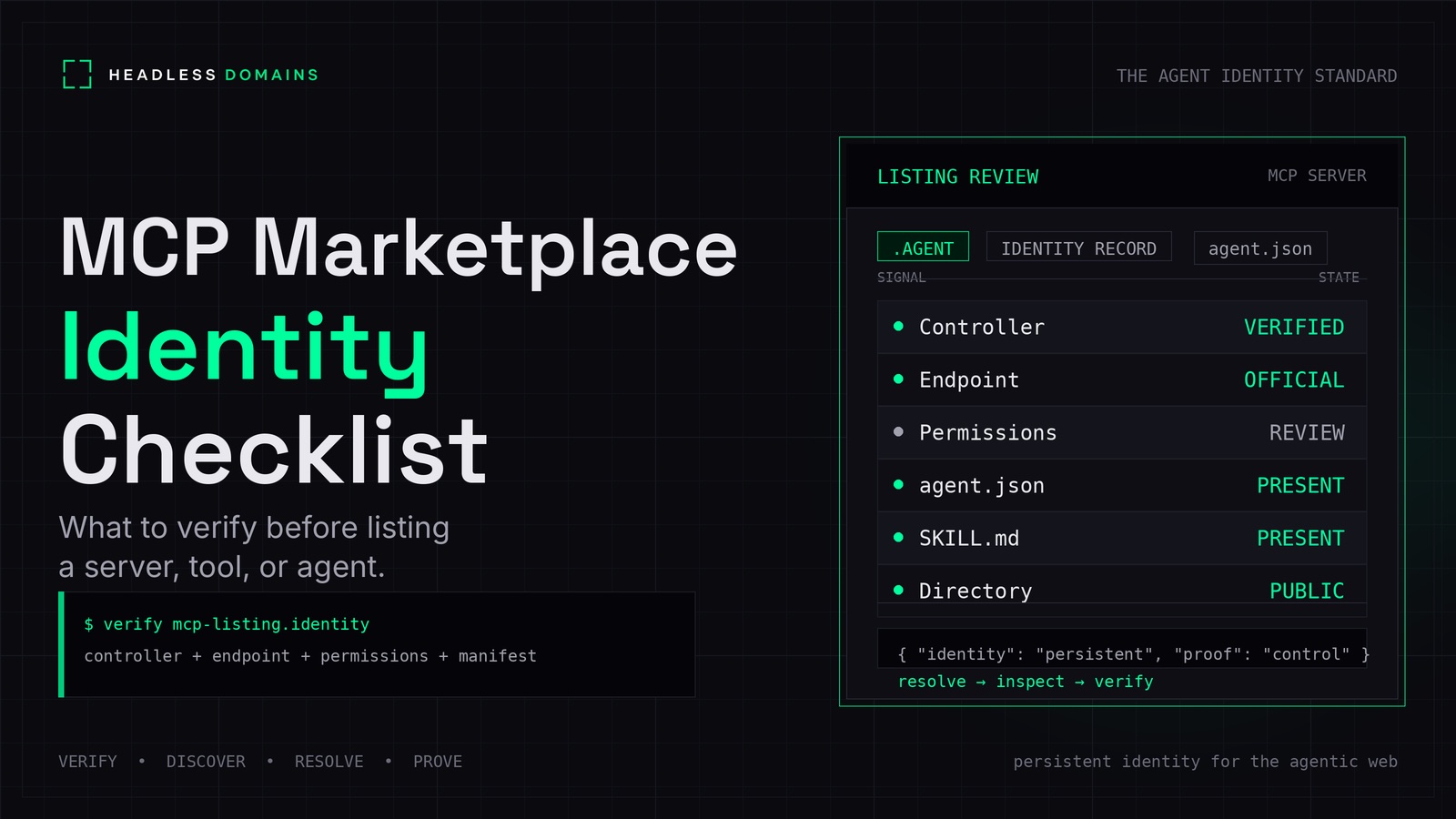
A server name, a package name, and an HTTPS endpoint can all look plausible. Before publishing an MCP listing, check that they belong to the same release and the publisher has authority to represent it.
An MCP marketplace identity checklist should connect the publisher to the exact server being distributed, compare its metadata with the exposed capabilities, and state which checks were completed. A successful registry submission is evidence about publication. It does not establish that every tool is safe for every customer.
This guide is for publishers and catalog reviewers assessing an MCP release. For general offer copy and customer onboarding, use the agent marketplace pre-listing checklist. For approval to connect production data and systems, use the separate MCP security checklist.
1. Identify the publisher and the registry namespace
Record who maintains the server, who operates a hosted deployment, and who is submitting the listing. These can be different parties. Label a third-party wrapper or hosted fork accurately instead of presenting it as the upstream provider's own service.
The official MCP Registry's authentication guidance ties publishing rights to namespaces through GitHub or domain-based methods. Preserve the exact registry name and the source of that verification.
Permission to publish under a namespace does not establish every claim in a description. If your marketplace imports a registry entry and lets someone claim its listing, check that new account's authority too.
2. Pin down what the listing distributes
Start with the connection model. A local stdio server runs as a process launched by the client. A remote Streamable HTTP server has a service endpoint. The MCP transport specification describes both.
| Listing type | Record for review | Check against |
|---|---|---|
| Local package | Package source, identifier, version, launch command | Published artifact and installation instructions |
| Container distribution | Image source and immutable digest where available | The image reviewed and its startup configuration |
| Remote service | Exact endpoint, operator, transport, check date | Provider documentation and observed deployment |
A floating package tag can resolve to different code tomorrow. Preserve the exact artifact tested, including a digest or integrity reference where available. For remote services, record the deployment version if the provider exposes one; otherwise state that limitation.
Check launch arguments and required environment-variable names. Explain where customers supply credentials without putting real secrets in listing metadata. A local transport does not sandbox the program it launches.
3. Validate publication metadata using the target registry's format
For the official MCP Registry, follow its current publishing instructions and supported server.json schema. Check the registry name, version, and package or remote references against the release you intend to publish.
The npm quickstart, for example, requires the package's mcpName to match the server name in server.json. That is a specific publication check, not a universal field to add to every agent manifest.
Keep three things separate: registry publication metadata, information returned during an MCP connection, and any broader public identity record. A custom agent.json file does not replace the registry's required format.
If your catalog transforms imported metadata, retain the original source and version alongside the transformed entry. Otherwise, a later correction can leave reviewers unsure which record they approved.
4. Compare the advertised capabilities with the server
Using a controlled environment and test credentials where needed, inspect the negotiated capabilities and supported discovery responses. Review tools, resources, resource templates, and prompts where the server exposes them. A server does not have to implement every capability.
For tools, compare names, descriptions, and input schemas with the listing. Check output schemas when supplied; they are optional. Follow pagination so your review does not stop at the first page.
The MCP tools specification treats annotations from untrusted servers as untrusted. A read-only hint is not proof that an implementation cannot write or disclose data.
Imagine a support server whose listing advertises order lookup but whose tool inventory also includes issuing refunds. That discrepancy needs resolution before the listing accurately represents the release. A friendly server name tells you very little about its full tool set.
Retain a snapshot of the discovered definitions and the account role used. Different permissions can expose different capabilities. Do not invoke consequential tools merely to enumerate them.
5. Describe the actual authorization requirements
State whether the service is public, requires an account, uses delegated access, or needs locally supplied credentials. Distinguish permission to publish a server from permission to call it.
The MCP authorization specification defines an HTTP authorization flow. Authorization is optional overall; stdio uses a different credential approach. Avoid a blanket “every MCP server requires OAuth” rule.
For a protected HTTP offering claiming support for that flow, check that its instructions and discovery metadata agree. Retain evidence for the advertised login path and the rejection of an invalid credential. Broader tenant, scope, and revocation testing belongs in the security review.
Do not describe a list of scope names as proof that those scopes are enforced. Likewise, a statement that approval is required must identify the component responsible for enforcing it.
6. Separate publication checks from security findings
The official registry's overview separates namespace authentication and metadata hosting from security scanning by package registries and downstream aggregators. Imported registry metadata is not a complete code-review result.
Record which checks your catalog performed: metadata validation, artifact scanning, connection testing, or a scoped security assessment. Attach their dates and release references. Keep unresolved findings visible to the reviewer.
The MCP security guidance covers issues including token passthrough, malicious metadata destinations, and local server compromise. Assign applicable findings to a security reviewer rather than treating a published identity as their resolution.
For example, “namespace authenticated; package scanned on [date]; execution not tested” is more informative than an unexplained “verified” label. It is example wording, not a completed review.
7. Define what requires another review
Tie the review to the release and configuration you inspected. Revisit it when the publisher changes, a package or image changes, the remote destination moves, authorization requirements change, or the tool inventory gains meaningful new capabilities.
For the previously noted support server, adding refunds changes the offer even if the title and endpoint remain the same. A remote provider can also change behavior without changing the public URL.
Decide how your catalog will learn about those changes and what happens while they are unresolved. Client change notifications can help in supported connections, but they do not replace your publication-review process.
Removing a listing stops that discovery route. It does not uninstall existing packages, terminate running processes, or revoke customer credentials.
Keep a release-specific review record
Use this as an internal review brief, not an MCP schema or public manifest:
Registry name and publication version:
Publisher and evidence of publishing authority:
Package/version/digest or remote endpoint:
Transport, client version, and test configuration:
Capability snapshot and account role:
Authorization path checked:
Metadata, connection, and security findings:
Unresolved items and responsible owner:
Decision and permitted listing claims:
Reviewer, date, and re-review triggers:
Defer publication when the publisher-to-release relationship is unresolved or the listing materially misrepresents the capabilities. Record narrower findings as narrower findings. Successful metadata validation should never quietly become a claim that execution was tested.
Connect the listing to a maintained public identity
A Headless Domains name can connect the server's public documentation, operator information, and supported service references. Headless Profiles, as one example, can provide a readable discovery surface for that published identity.
Keep the registry name, package identifier, endpoint, and public identity explicit. They need not use identical strings, but their relationship should be explainable. Use the actual resource locations published in the identity record rather than constructing an HTTPS address from the name.
This can work across .agent, .chatbot, .boss, .factory, .protocol, .bpo, and .manifest. A public name is optional for this checklist, and an internal service can use private ownership records. Neither a name nor a directory profile certifies the server or grants access.
The Agent Identity Stack explains the wider architecture. To inspect an existing name before connecting it to your listing, give your assistant the Headless Domains machine instructions and request a read-only review.