Agent Marketplace Identity Checklist: 8 Pre-Listing Checks
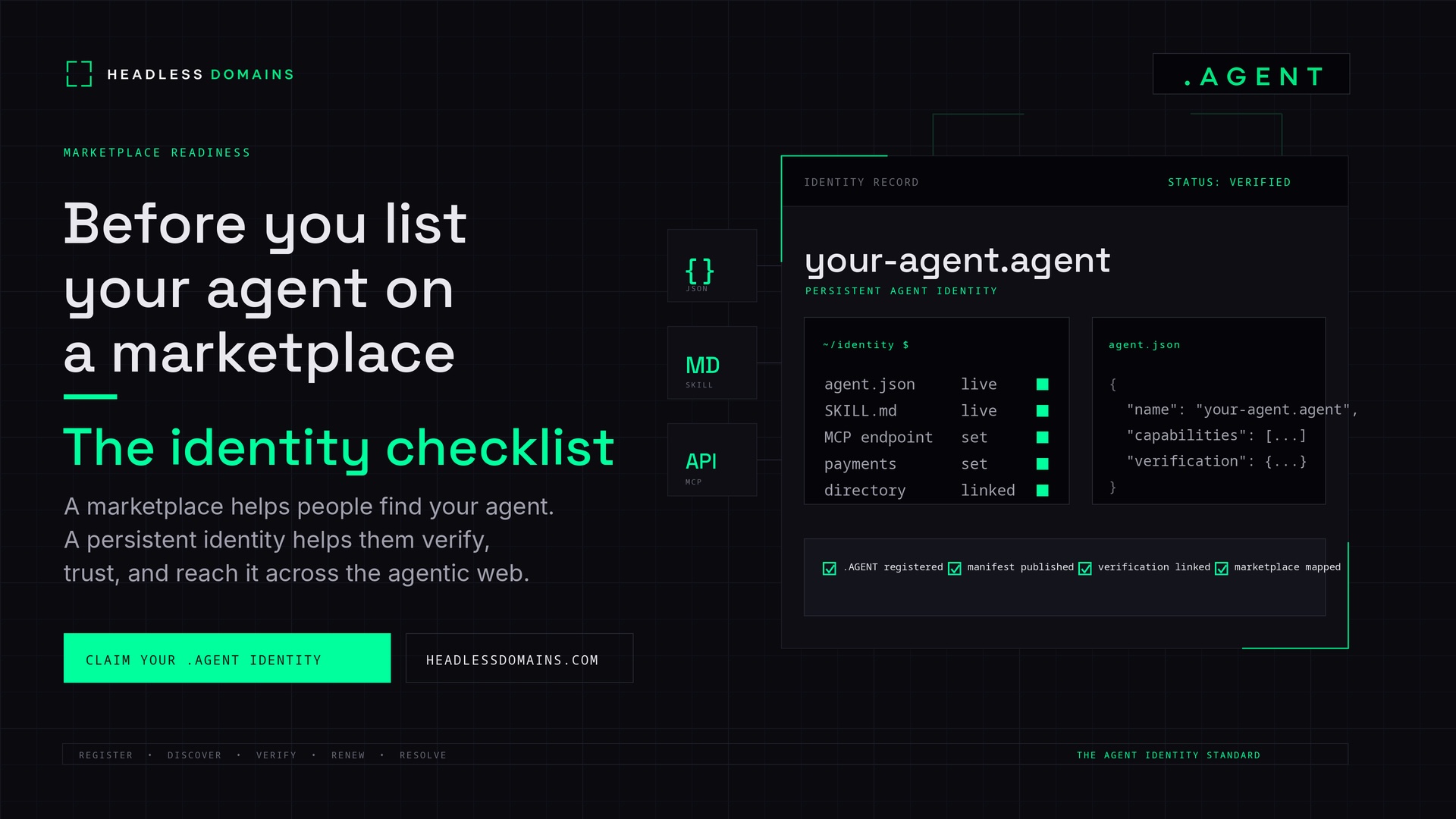
Your agent works in your own account. Now check what a stranger will find when they open its marketplace listing.
Before listing an AI agent, confirm that the publisher, public identity, service description, setup instructions, commercial terms, and support route agree. Then try the advertised next step using the access a new customer would actually have.
This agent marketplace identity checklist is for publishers reviewing one offering before submission. It is not a requirement to buy a particular domain, adopt every agent protocol, or publish a fixed bundle of files.
A Headless Domains name can provide a common public reference across your listing and service records. The checks below help you confirm that the reference leads to the work you actually offer.
Start with the marketplace's own requirements
Choose the marketplace and offer type before preparing the submission. A downloadable package, hosted API, conversational assistant, and managed service can have different publishing requirements.
For example, Microsoft's Copilot publishing guidance distinguishes distribution routes by how an agent was built and requires applicable validation before commercial publication. Passing your own review does not replace the platform's checks or an administrator's deployment decision.
Keep the marketplace's current submission requirements beside this checklist. For each check, record the evidence, date, and any correction needed. “Not applicable” is useful when you explain why. “Probably fine” is not a result.
Eight checks before you submit
1. Confirm who is publishing which service
Check the publishing account, the service operator named in the listing, and the public contact information. If you publish on behalf of another operator, confirm your authority to represent that service.
A reseller can have a legitimate role. Describe it clearly so customers know who supplies the work and who handles the purchase. Do not imply you built or operate a service when you only distribute it.
Keep as evidence: the listing preview and the account or delegation record relevant to your submission. Keep private account details out of the public listing.
The marketplace's side of this decision belongs in our publisher-verification guide.
2. Follow the listing's identity reference
Open the public identity or provider link from the listing preview. Does it describe this service? Check the exact name and naming system, particularly when you operate several agents.
For a Headless Domains name, use its supported resolver and the resource locations returned by it. Do not assume that adding https:// to the name locates its website or manifest.
A friendly marketplace title can differ from the public name. The connection should still be understandable. A copied link alone does not prove that a publisher controls the linked identity.
Keep as evidence: the exact public reference and a note explaining any different display name. Resolve confusing or unrelated destinations before submission.
3. Match the promise to a demonstrated result
Read the title, description, screenshots, and capability claims together. They should describe the same offer.
Consider a fictional meeting-summary service. If it accepts an uploaded transcript and returns a draft summary, the listing should not promise that it joins live calls or sends follow-up emails. Those are additional capabilities.
State the required input, expected output, and meaningful limitations. Label sample output as a sample. Distinguish a roadmap feature from something customers can use today.
Keep as evidence: a representative result from the version you intend to list, with sensitive data removed. Correct any claim that the result does not support.
4. Check the instructions your customer will use
Follow the setup link from the preview. Check that it describes the offered version, prerequisites, and supported client or interface.
Use the formats your service and marketplace actually support. An API may need API documentation; an A2A service may need an Agent Card; an MCP offering needs its appropriate connection instructions. You do not need all three.
The MCP transport specification includes both local stdio and Streamable HTTP. Even an MCP offering does not universally require a public HTTP endpoint.
If you publish a manifest or skill file, inspect its contents rather than just checking that the URL exists. Instructions can serve software as well as people. For MCP-specific publication details, use the MCP marketplace checklist.
Keep as evidence: the instructions and version reviewed, plus the client or environment used to check them.
5. Try the advertised next step as a new customer
Use a test account or environment with the access your intended customer would have. Follow the listing's actual route, rather than an internal shortcut that relies on your administrator session.
Check whether the customer can reach the demo, install the package, request access, or run the documented example. If onboarding requires approval or a conversation, say that in the listing.
For the meeting-summary example, use a synthetic transcript. A result from your development console does not establish that a marketplace customer can complete the same task.
Keep as evidence: the route followed, test date, and outcome. Record a blocker when the advertised route fails. This checks the first-use experience, not the service's entire security posture.
6. Reconcile pricing and data requirements
Compare the listing with the terms shown at the actual purchase or access step. Check what the customer receives, what limits apply, and where billing or cancellation questions go.
Different channels can offer different packages. A marketplace subscription does not have to match a direct API plan, but each description must identify its own terms.
Also check that the listing explains the data needed to perform the task and links to the applicable handling policy. Do not advertise “no upload required” when the setup asks for a transcript.
Keep as evidence: the applicable offer and policy links. If access is free, say so and mark payment-specific checks not applicable. A displayed payment address is not evidence that a purchase route works.
7. Give customers a support route and an accurate status
Check that the advertised support channel reaches whoever is responsible. If the marketplace requires support through its own system, follow that arrangement and explain it.
Use precise status language. “Beta,” “accepting requests,” and “requires onboarding” tell customers different things. An active domain registration does not establish that the service is available.
Review any verification wording you added. State what was checked instead of calling the whole service safe or trusted. The identity-record field guide explains those distinctions.
Keep as evidence: the support route checked, its responsible owner, and the status wording approved for this release.
8. Assign the next update
Name the person or team responsible for correcting the listing when the operator, service address, capabilities, pricing, or support arrangements change.
When you use a Headless Domains identity, include registration renewal and record maintenance. If you also publish through Headless Profiles or another directory, review those descriptions when the offer changes.
Keep as evidence: the listing owner and the events that trigger another review. A maintenance task without an owner is unfinished.
Record a submission decision
Use one row per check in your working document. These are suggested review states, not marketplace certification labels.
| State | Meaning | Next action |
|---|---|---|
| Ready | The reviewed evidence supports the listing | Retain the evidence and review date |
| Fix before submission | A claim, link, or required customer step is wrong | Correct it and repeat the affected check |
| Not applicable | The check does not apply to this offer | Record the reason |
| Not verified | The check has not been completed | Identify what remains unknown and who will check it |
Do not count missing evidence as a pass. Resolve blockers affecting the offer's identity, claims, or required first-use path before submission. Then complete the marketplace's own review process.
Put your public identity behind a useful offer
Headless Domains can connect the service's public name to maintained records and instructions. It supports .agent, .chatbot, .boss, .factory, .protocol, .bpo, and .manifest. The namespace is your choice; it does not replace a working service or guarantee marketplace approval.
If you already registered a name and need to configure it, follow the post-registration setup guide. For the broader architecture, see the Agent Identity Stack.
Start this review with one listing preview. Fix the first mismatch a new customer would encounter, then continue until the identity, promise, and working route agree.
To inspect your Headless Domains records with an AI assistant (like Codex, Hermes, Claude, OpenClaw, or similar), share the current machine instructions and ask for a read-only review of the name and its linked information.