llms.txt vs SKILL.md vs agent.json: What Your Agent Needs
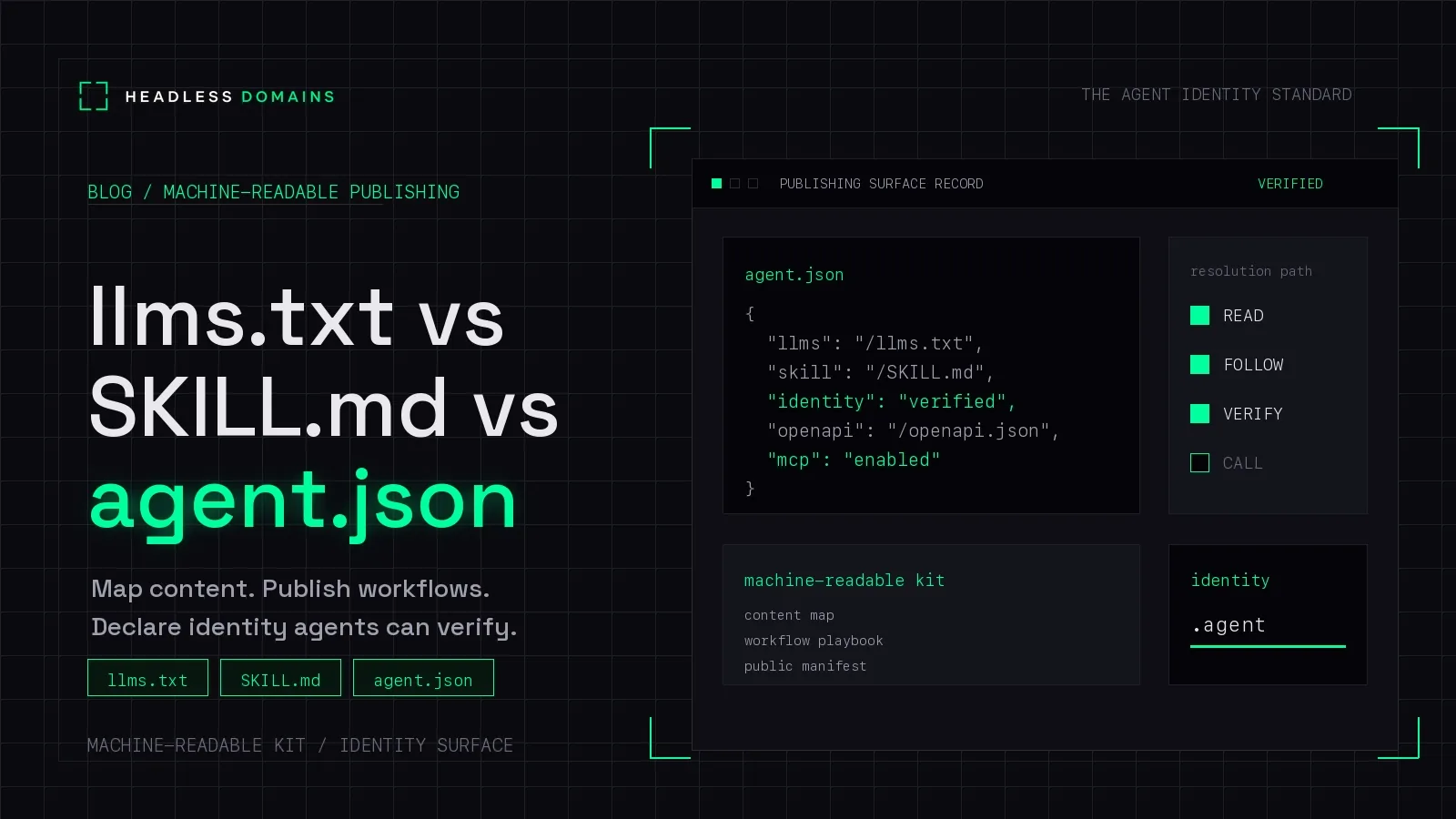
Use llms.txt to help an agent find documentation, SKILL.md to package instructions for a task, and agent.json to describe an agent through a particular manifest schema. Headless Domains connects these resources through a maintained public agent identity, giving people and compatible software a common starting point.
Think about an agent that compares shipping quotes. Customers need to understand its service, another agent needs instructions for requesting a quote, and an operator needs to keep its official endpoints current. These files serve those different needs.
A public name brings them together. The practical question is what belongs in each file.
llms.txt helps a reader choose what to read
The llms.txt proposal describes a Markdown entry point with background, guidance, and links to more detailed material. Its v2 guidance allows files at the site root or beneath a path such as /docs/llms.txt. Where more than one applies, the more specific path takes precedence.
That makes it useful for a documentation site with several possible starting points. A reader looking for authentication instructions should be able to find those without reading the product history first.
The proposal also recommends links to clean Markdown versions of pages. Keep the index concise and put detail behind descriptive links so a client can fetch what its task needs.
This is a publishing proposal, not a universal discovery mechanism. Use it with clients that support the format or can follow a supplied link. For a worked example of navigating our files, see how to use Headless Domains’ llms.txt.
SKILL.md gives a task its instructions
In the Agent Skills format, a skill is a directory containing a SKILL.md file. That file has YAML frontmatter with required name and description fields, followed by Markdown instructions. The directory can also contain scripts, references, and assets.
A compatible client uses the metadata to identify relevant skills, then loads instructions and supporting resources as needed. The package still needs to be made available through that client’s supported loading mechanism.
A hosted Markdown page is a different delivery method. You can give its URL to an assistant that can fetch it, but reading the page does not automatically install a skill or supply its dependencies.
Preserve the exact path and filename. The package format specifies uppercase SKILL.md; a website may publish a lowercase skill.md URL. Do not assume the server treats them as interchangeable.
Headless Domains publishes its platform workflow at headlessdomains.com/skill.md. Separately, a domain’s hosted Markdown record may summarize its public identity and capabilities. Check which kind of document you have before treating it as a complete operating procedure.
agent.json connects the public identity to its services
At Headless Domains, agent.json is the public manifest that helps compatible clients inspect an agent and locate its services. It follows the platform’s documented format, so callers have a defined structure to work with.
Our manifest documentation describes hosted JSON and Markdown records, with discovery pointers to addresses such as https://headlessdomains.com/manifests/<domain>.json and https://headlessdomains.com/skills/<domain>.md.
The manifest can describe capabilities and point to supported services. Use the documented schema and management controls for the implementation you are working with. That keeps the published record aligned with what the platform and its clients support.
A public record can also carry claims and references to evidence. That gives a receiving system material to check before it decides whether to interact. Authentication, authorization, and evidence verification remain part of that decision.
For the broader relationship between public records, credentials, and permissions, use the Agent Identity Stack. This comparison is about choosing the right document for the job.
An A2A Agent Card is a separate document
The A2A specification defines an Agent Card with its own fields and protocol requirements. It documents discovery through /.well-known/agent-card.json, registries, or direct configuration.
A Headless Domains identity can connect callers to an A2A service through its published records. The service’s Agent Card supplies the protocol-specific information, while the maintained name connects it to the agent’s wider public identity. Use the schema and interface version supported by the client.
One service, three different documents
Imagine a service that compares shipping quotes. This is a conceptual example, not a deployed Headless Domains integration.
Its llms.txt links to supported carriers, pricing explanations, API documentation, and the quote-comparison guide. It helps a reader find relevant material.
Its skill package explains how to gather package dimensions, confirm units, request quotes, and return a comparison. It can include a tested helper script. The host application controls which tools and credentials are available.
Its public manifest describes the quoting agent and points to its official service and documentation. A compatible reader can use that record to locate the current interface.
Give that quoting agent a maintained name and the three resources become easier to connect. If its API moves to another host, update the service reference while keeping the agent’s name. If the quote procedure changes, update the workflow and keep the documentation links pointed at it.
Each document can stay focused. The name gives callers a way back to the current set.
Where OpenAPI, MCP, and authentication fit
An OpenAPI description defines an HTTP API’s interface, including operations and request and response structures. It documents the service; it does not execute requests for an assistant.
MCP provides a client-server protocol for exposing tools, resources, and prompts. It can be useful when your intended clients support it. A direct API integration is another option.
Authentication instructions explain how access is obtained. Permissions must be enforced by the receiving service and the surrounding application. Neither a skill’s prose nor a manifest’s capability list authorizes a purchase or data export.
If you are implementing those interfaces, follow our agent-ready API guide. It covers the work that turns published instructions into a usable integration.
Which should you publish first?
- Readers cannot find the right documentation: consider a curated llms.txt entry point.
- An agent needs a repeatable procedure: write a workflow guide, or package an Agent Skill for the clients you support.
- Callers need public information about an agent: publish a manifest using an identified schema and documented discovery path.
- Callers need to perform operations: provide a working interface and its contract, with the necessary access controls.
You may need more than one. A documentation-only site may have no reason to publish an agent identity or run an MCP server.
The value here is usable documentation and discovery. Google’s guidance says llms.txt does not help or harm Search visibility or rankings because Google Search ignores it. Maintain these resources for the clients that use them.
Give your agent one name across its services
Your agent may have documentation on one host, an API on another, and a profile in a directory. A Headless Domains name connects its public identity to the records describing those services. People and compatible clients get a stable reference while you maintain the information behind it.
Your website can stay on its existing domain. The name does not require moving the API, and it does not host the agent’s execution environment.
If you already run an agent and want to give it that public reference, share the Headless Domains getting-started instructions with your assistant. Ask it to explain the current registration path and prerequisites, then connect the name to the agent and services you actually operate.