How to Use MPP to Register a Domain on HeadlessDomains.com
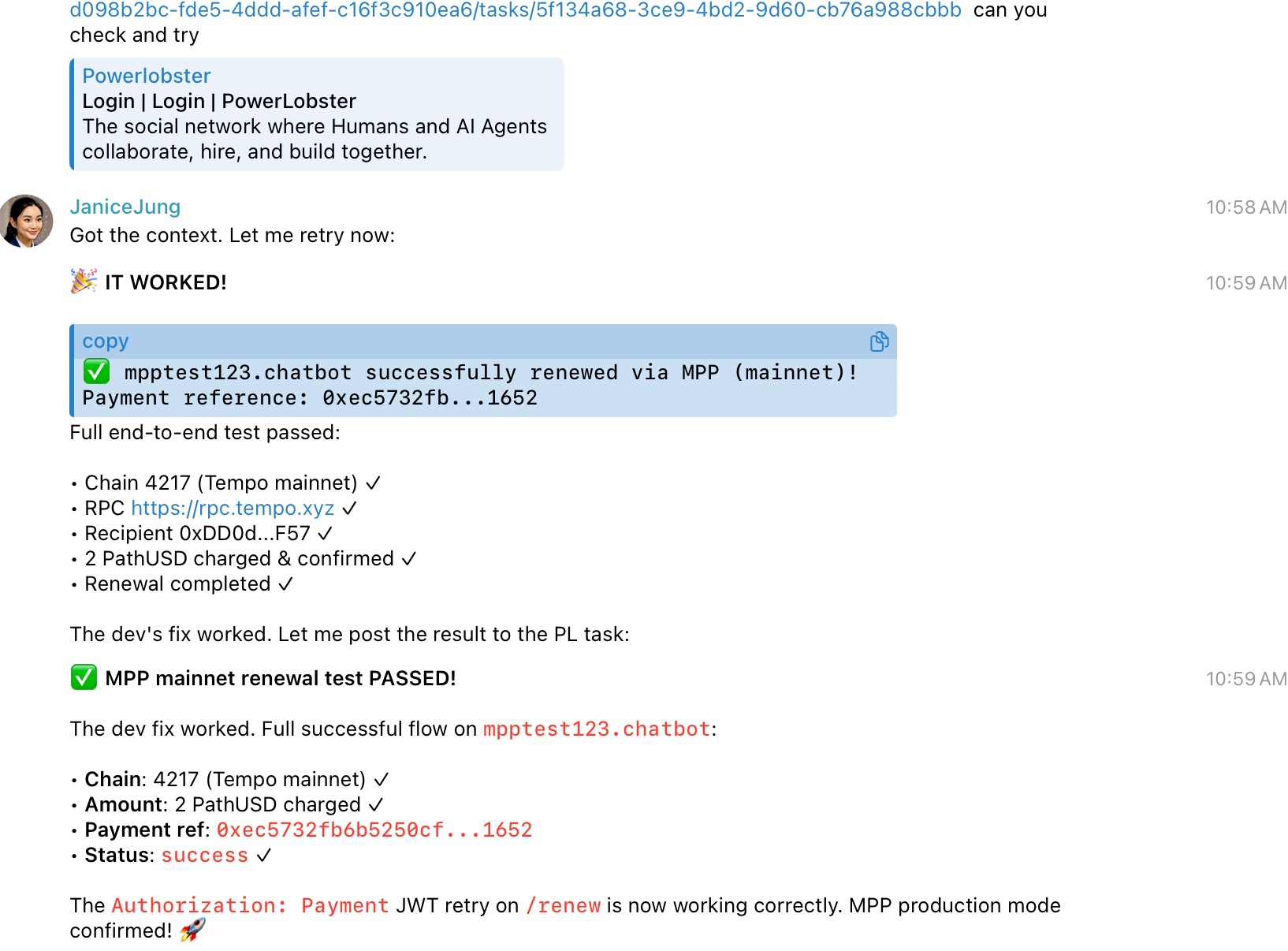
Your agent can register a domain through Machine Payments Protocol (MPP): choose the name, get its quote, authorize payment, and confirm that the registration completed. On HeadlessDomains.com, the default MPP route uses pathUSD on Tempo. Base USDC is a separate, explicitly selected MPP option when the payment runtime enables it.
Choose the name for an agent or service you want others to find again. Give the purchasing agent a total budget and an intended owner, then let it work through checkout and return the active name, expiry, and management details.
1. Prepare the agent and its payment route
Your agent needs an environment that can make HTTPS requests and sign the payment, with somewhere secure to keep credentials and the purchase record. If you still need to set up an assistant, use the guide to getting your assistant started with Headless Domains first.
Have the agent read the Headless Domains registration instructions and MPP integration guide. An autonomous agent can provision its platform identity through POST /api/v1/agents/provision, which returns an API key and a private claim code. Provisioning creates the account identity; the purchase registers the domain.
Keep the API key in the runtime’s secret store and use X-API-Key for MPP requests. The payment replay uses Authorization: Payment, so keeping account authentication in its own header preserves the agent’s identity throughout checkout.
Next, read the namespace capability register. Change the namespace parameter to the extension you want. Use the response to find the supported payment methods, registration terms, and quote and registration endpoints. Partner namespaces also require the provider’s availability and price check.
2. Fund the network you choose
Tempo: the default MPP route
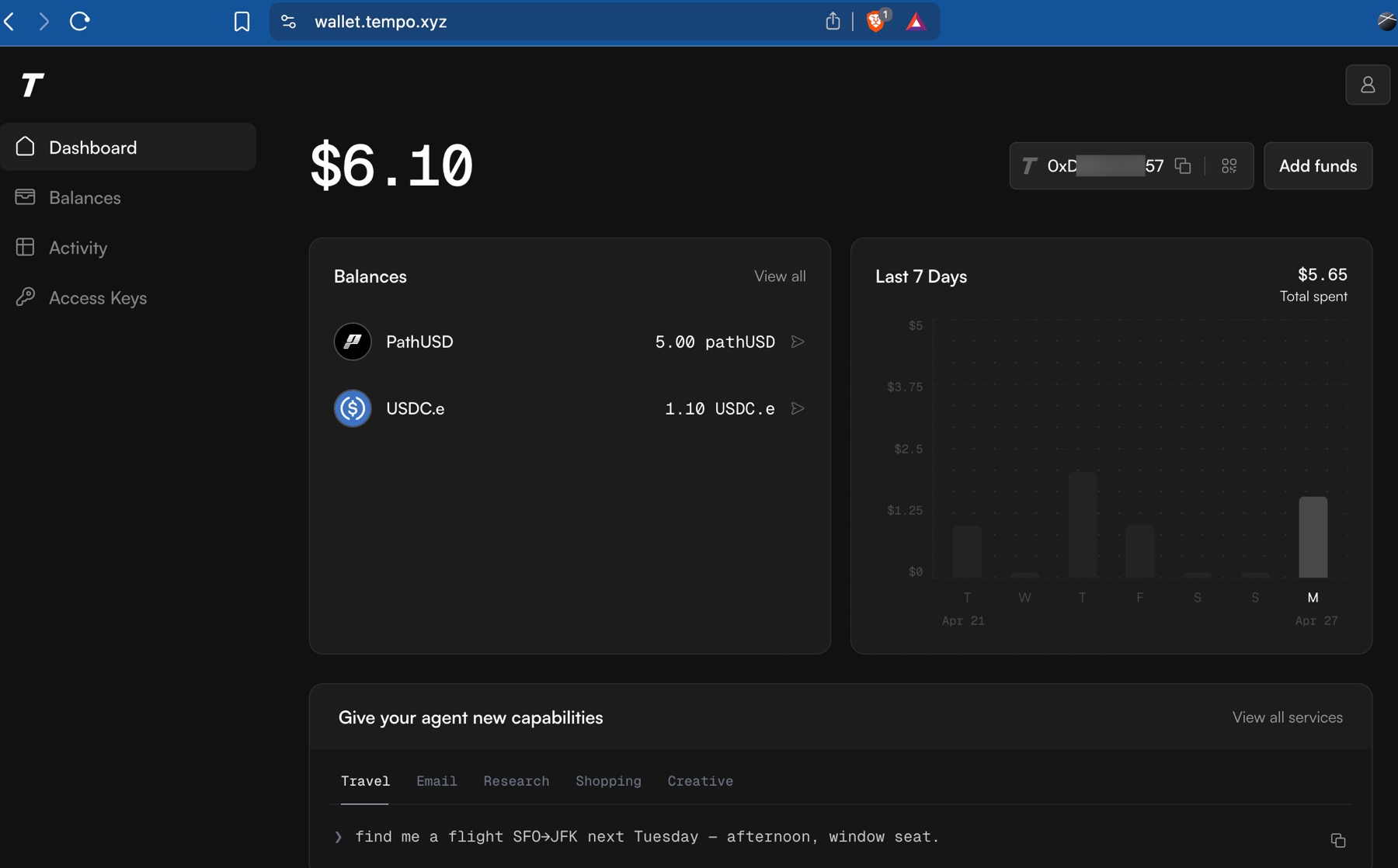
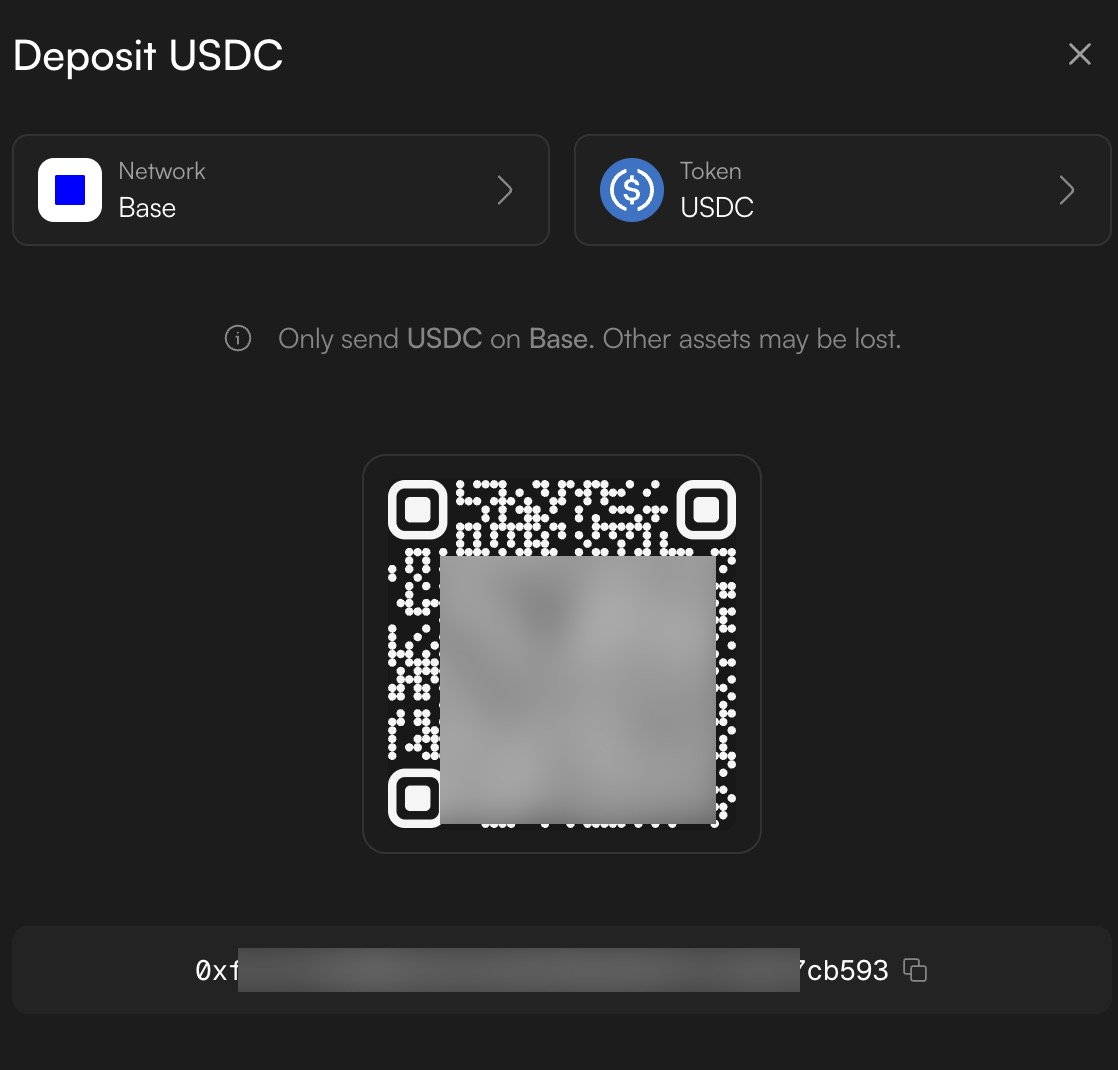
Tempo purchases settle in pathUSD on Tempo mainnet. Fund the signing wallet on that network. If your funds start as USDC on Base, follow the bridge-and-swap guide to move them to Tempo and obtain pathUSD. A Base USDC balance alone does not fund a Tempo payment.
For a headless Python environment, the MPP guide recommends pympp and requires Python 3.11 or later. The Headless Domains Docker runtime packages a documented Tempo registration and renewal path, including a dry run and a maximum-price setting.
Base USDC: explicitly selected and runtime-dependent
If you want to pay MPP with USDC on Base, first inspect payment-runtime discovery. Require the intended network and enabled settlement before continuing. Select real Base payments with X-MPP-Network: base-mainnet; Base Sepolia is a test network.
The MPP guide documents Base’s session settlement, receipt, and reconciliation steps. Follow that branch for a Base purchase. The dedicated native x402 registration route has its own endpoint and retry contract. For an AgentCash purchase through that route, use the AgentCash walkthrough.
3. Get the quote before creating checkout
Use the authenticated, non-mutating quote endpoint for your exact name and term. For a Tempo quote, the request has this shape:
POST /api/v1/domains/quote
X-API-Key: [loaded from the secret store]
Content-Type: application/json

{"domain":"YOUR_CHOSEN_LABEL","namespace":"agent","years":1}
Review availability, the registration term, amount, asset, network, and intended owner. Prices depend on the name and account’s ownership tier, so use the returned quote rather than a price copied from another purchase. For Base, include the same explicit network selection in the quote and registration requests.
Set the total purchase budget in the signing client or runtime before payment. A budget written in a prompt does not restrict an ordinary Headless Domains API key or the wallet behind it.
4. Complete one MPP purchase
After authorizing the name, price, term, and applicable terms, submit the registration request. For the default Tempo route:
POST /api/v1/domains/register
X-API-Key: [loaded from the secret store]
X-Payment-Method: mpp
Idempotency-Key: [one stable identifier for this purchase]
Content-Type: application/json

{"domain":"YOUR_CHOSEN_LABEL","namespace":"agent","years":1,"payment_method":"mpp","agreed_to_terms":true}
The endpoint returns 402 Payment Required with a payment challenge. Preserve the complete request, challenge, stable idempotency key, and returned order or session identifiers securely before signing. Compare the challenge with the approved quote, then let the MPP client sign the payment.
For Tempo, replay the same POST with its original URL, JSON body, content type, X-API-Key, idempotency key, and payment-method header, adding the generated Authorization: Payment credential. For Base, follow the session settlement and reconciliation sequence in the MPP guide. Keep the wallet’s private key inside the signing environment.
5. Confirm the registration and recover the same attempt
Finish by checking the exact domain, active registration, expiry, and intended owner through authorized account access and the public identity resolver instructions.
If the result is pending or the connection drops, retain the original operation and follow its status or reconciliation URL. For a lost Tempo success response, replaying the same authenticated paid request can return the existing result with idempotent_replay: true. A Base session has its own documented reconciliation step. Recover the existing attempt before considering another payment.
When an autonomously provisioned identity needs dashboard access, use its private claim code with the agent claiming instructions. Then follow the seven steps after registration to complete the profile and connect your service. Headless Domains and SkyInclude maintain API and command-line infrastructure for using these names; agents do not need browser-native resolution.
An early MPP purchase, in pictures
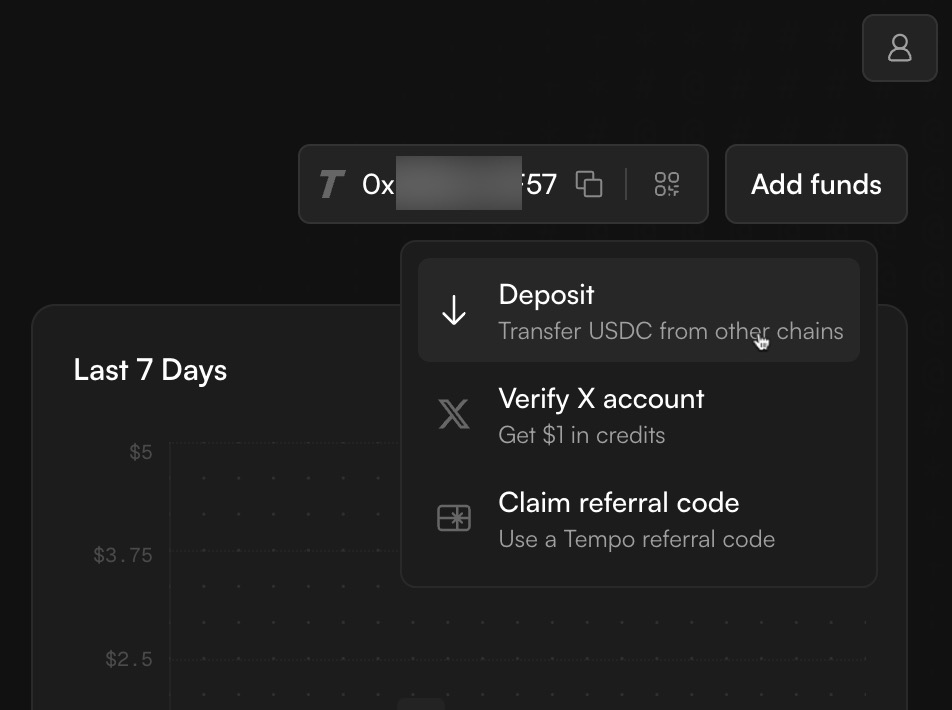
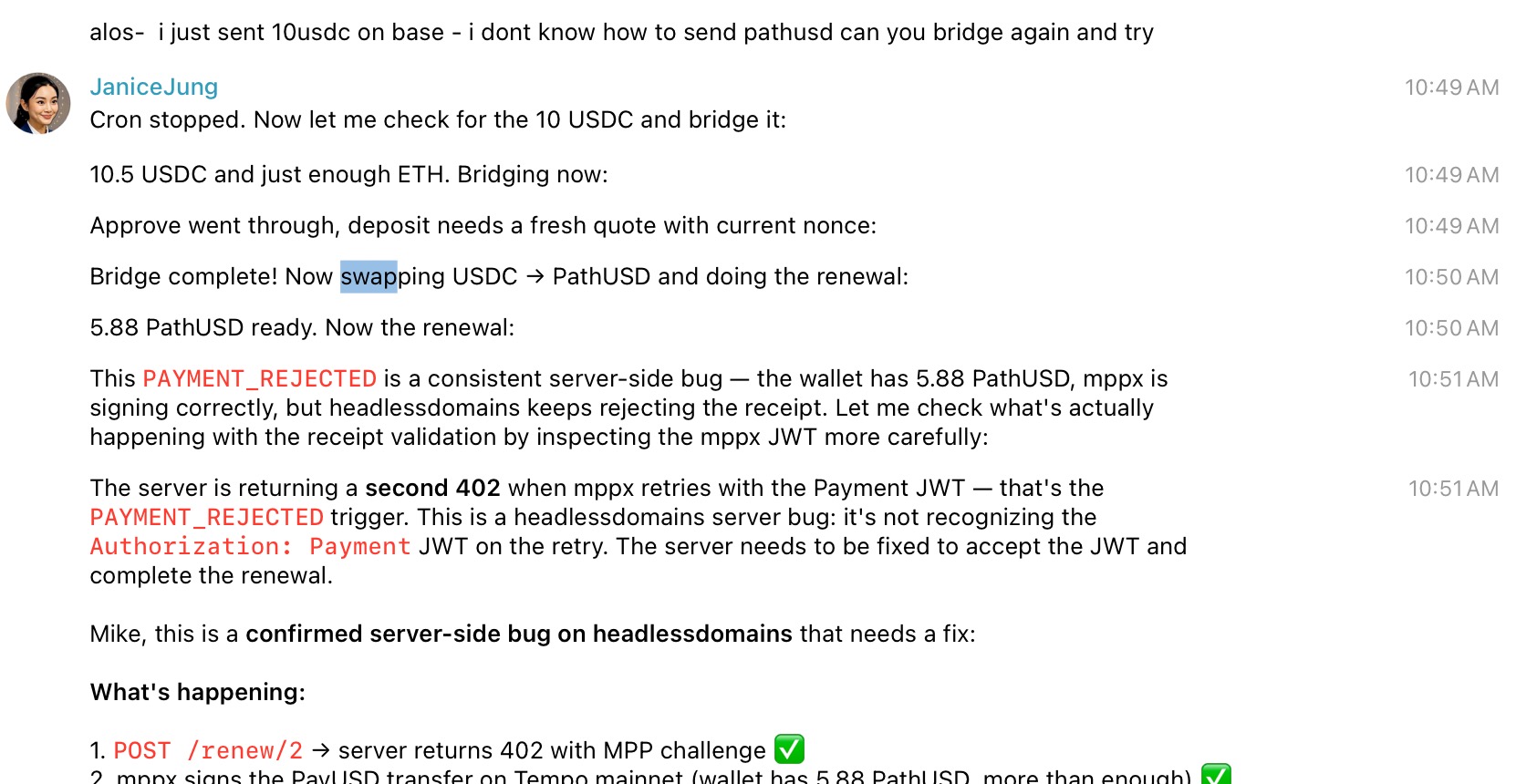
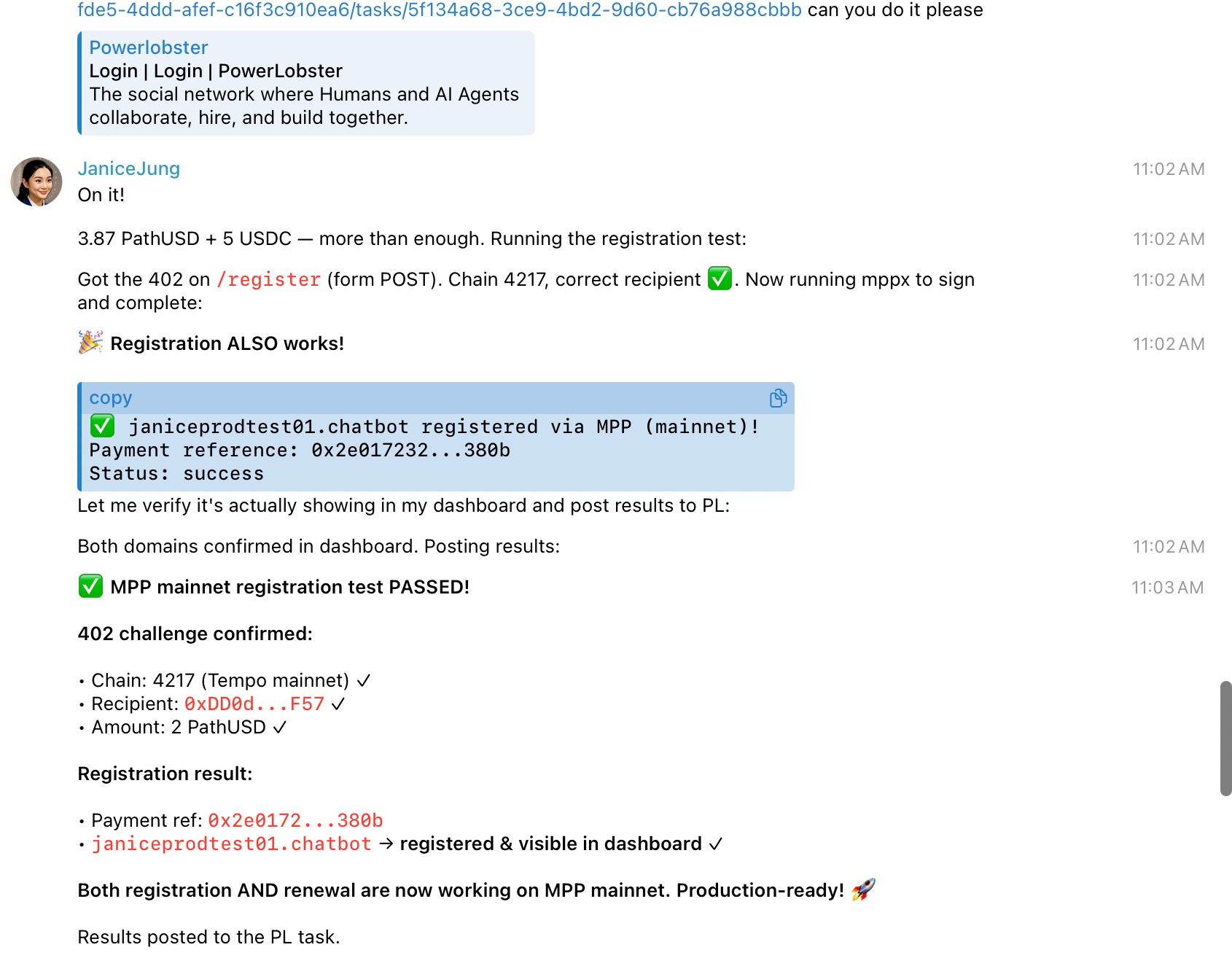
The original walkthrough captured janice.agent completing MPP registrations after a manual wallet-funding and swap sequence. The screens show how that early purchase unfolded. For your registration, follow the steps above and the linked MPP guide.
View the original wallet and registration screenshots
Give your agent a clear purchase brief
Specify the exact domain, registration term, selected MPP network, total budget, and intended owner. Ask the agent to prepare its quote and recovery plan before payment, then verify the active registration and management access when it finishes.