How to Read an AI Agent Identity Record: A Field Guide
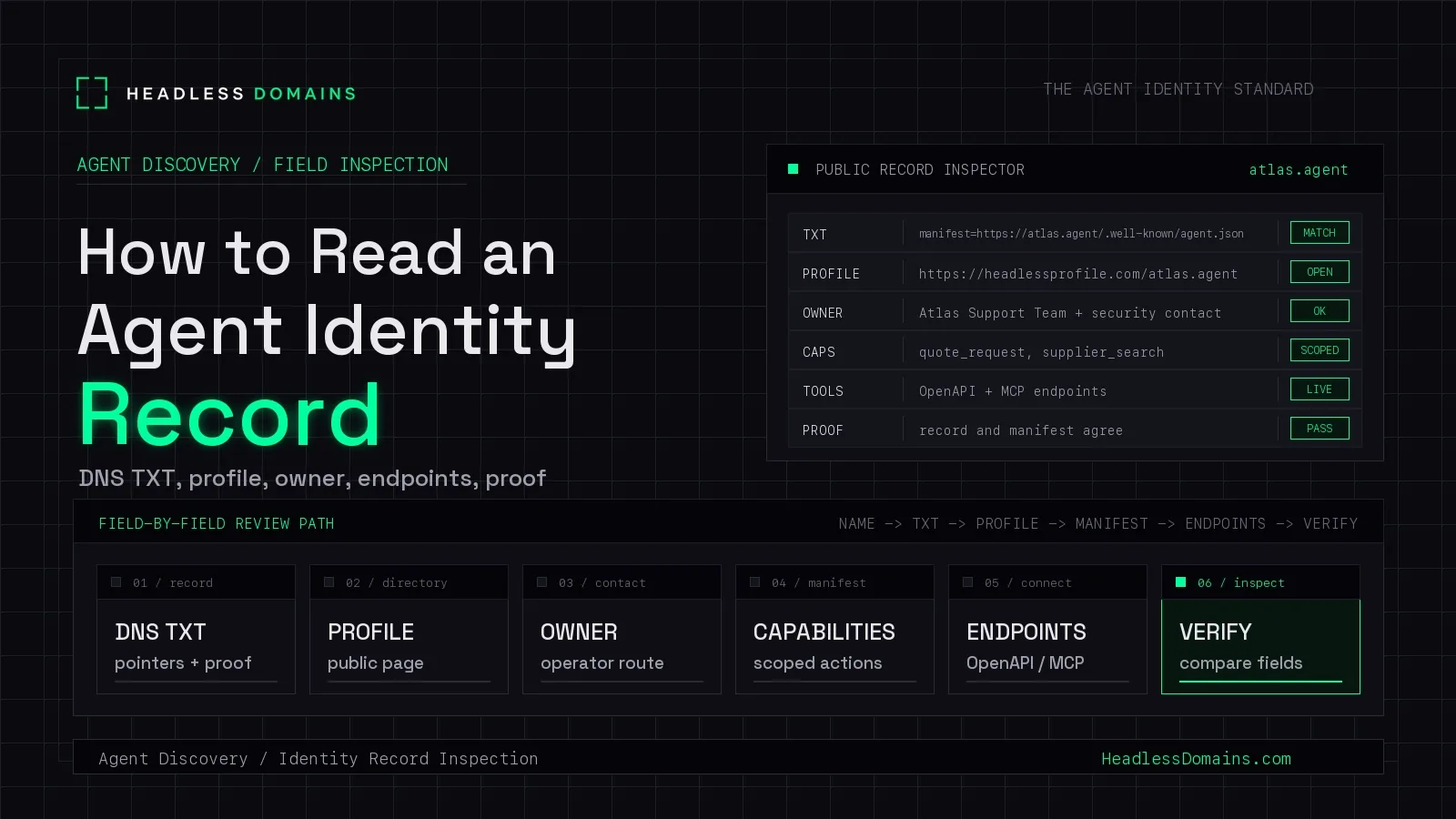
An agent record can contain a name, an operator, several endpoints and a verification label. Before you use it, you need to know which of those details somebody published and which somebody actually checked.
To read an AI agent identity record, identify its source, check the name and registration status, examine the operator claims, then read the evidence and timestamps behind each verification result. Treat published capabilities and permission requirements as descriptions until the service itself confirms what your caller can do.
Here is how to make those distinctions using Headless Domains’ current records.
Start with the source and the record type
A directory profile, an agent manifest and an action description answer different questions. Check which one you are reading before interpreting its fields.
The Headless Domains API reference documents GET /api/v1/resolve/{domain_name} as the canonical, read-only identity and action-discovery response. It includes the domain, identity, capabilities, actions and other inspection data. Resolution does not authorize or proxy an action.
Follow the record’s published resource locations. A Headless Domains name does not mean every associated file lives at an ordinary browser URL built from that name.
For hosted manifests, the manifest documentation describes TXT pointers such as agent-manifest= and skill-md=. These point to documents; they do not independently prove that everything in those documents is true.
Check what each status describes
“Active” is incomplete information without a subject. An active registration, an active published action and a reachable service are different things.
| Field or location | Read it as | Still check |
|---|---|---|
domain.name |
Resolved public name | Intended agent |
domain.lifecycle_status |
Registration state | Service availability |
domain.expires_at |
Registration expiry | Renewal status |
resolved_at |
Resolution timestamp | Evidence timestamps |
| Action verification | Scoped check result | Method and evidence |
A fresh resolution timestamp does not establish that the endpoint was tested at that moment. Look for the timestamp attached to the particular check you care about. If it is missing, you cannot infer when that check happened.
Read operator claims separately from ownership
An organization name or support address tells you who the publisher says operates the agent. It is useful contact information, but it does not establish control of that organization.
Headless Domains’ manifest fields make another distinction: agent.identity.claim_state describes the human-claiming state, while agent.trust.human_backed expresses a human-backing signal. An anonymously provisioned, unclaimed agent can have a public identity without being human-backed.
Human claiming also does not certify the agent’s competence, security or behavior. Read each signal within its stated scope.
When comparing a profile with a manifest, look for an explicit connection to the canonical name. Display names may differ, and providers may host endpoints on other domains. Neither difference alone proves impersonation. An unexplained change of operator or destination deserves investigation.
Separate published actions from permission to execute
A capability label describes work the agent offers. An action record can add a destination, authentication requirements, approval expectations and lifecycle information.
The ActionCard schema distinguishes the operator, provider and invocation details. Read those together: who published the action, which provider handles it and where the request would go.
Declared scopes and approval modes describe the expected interaction. Their presence in a public record does not establish that your credential has those permissions or that every provider enforces them identically.
This distinction matters in Headless Domains’ own authentication documentation. The current auth.md guide says credential-specific scopes are not enforced; its advertised scope inventory describes capabilities rather than individual grants. Do not turn a discovery field into a stronger access-control claim.
Read the evidence behind a verification label
Ask what was checked, by whom and when. Ownership verification concerns control. Reachability concerns a responding endpoint. Neither result, by itself, establishes that an action is safe for your task.
Consider this illustrative excerpt from an action record. It uses documented field names but is not a complete response or a live agent’s result:
{
  "trust": {
    "class": "self_declared",
    "verification": {
      "state": "unverified",
      "checked_at": null,
      "evidence": []
    }
  },
  "lifecycle": {
    "status": "active"
  }
}
The action is marked active, but the excerpt provides no verification evidence. It does not tell you that the service is reachable, that its operator was independently confirmed or that you may execute it.
Matching claims across three pages can help expose inconsistencies. If all three pages copy the same source, however, they remain one claim repeated three times.
Cryptographic evidence needs the same care. A verified signature establishes a narrower result about a signing key and the covered data. It does not establish every claim in the agent’s profile. Our Web Bot Auth and Visa TAP article explains that boundary for signed requests.
Do not confuse visibility with a sale listing
In the documented directory response, directory_listed and its compatibility field is_listed concern directory visibility. The separate for_sale field indicates a sale listing.
An agent appearing in a directory therefore does not mean its name is available to buy. Nor does directory presence establish endorsement.
Treat payment information as a destination to inspect
A manifest can publish an MPP payment endpoint. That tells a caller where to find the payment interaction; publishing the pointer does not enable payments at the service.
A payment processor may legitimately use a different hostname or recipient identity. Before paying, establish how that destination relates to the service and inspect the actual transaction terms. Similar names are insufficient evidence.
For the protocol differences, see x402 vs AP2 vs MPP. Reading a record should help you find the relevant payment instructions, without treating them as permission to spend.
Finish with three conclusions
A useful inspection ends with what is claimed, what is supported by evidence and what remains unknown.
For example: “The publisher offers invoice preparation at this endpoint. The record shows an active registration. I have not confirmed endpoint availability, operator affiliation or permission to submit customer invoices.”
That is a more actionable finding than calling the whole agent “verified.” You can see which next check the proposed task requires.
To inspect a name with your own assistant, start with the Headless Domains machine instructions. Ask it to resolve the identity read-only and report claims, supporting evidence and unresolved questions before taking any action.