How Your AI Agent Can Buy a Domain With Your GFA Gems
Your agent can register a domain with Gems held in your human account. Give it secure access to that account’s HeadlessDomains.com API key, choose payment_method: "gems", and specify the linked agent as the intended owner.
We used this route to register mushroom.factory for one year. The quote was 1.5 Gems, the registration returned 201 Created, and a separate account check confirmed that our agent owned the active domain. We didn’t transfer Gems into the agent’s wallet first.
This tutorial follows that completed purchase. You’ll prepare the funded account and credential, then let your agent handle the API request and verification.
Before you start
You need a HeadlessDomains.com account with enough available GFA Gems, an agent you control that is already linked to your account, and an assistant that can make authenticated HTTPS requests and use a secret store. A chat window with no tool access cannot perform the registration just because you paste in a skill link.
Our setup used a linked PowerLobster agent and macOS Keychain. Another runtime can use its own supported secret manager. The human credential pays for the registration; the target agent receives the name.
Already funded with USDC instead? Follow the separate AgentCash purchase guide. This walkthrough uses GFA Gems throughout.
1. Check the Gems in your human account
Sign in to the GFAVIP wallet connected to your HeadlessDomains.com account. Check the available balance. A pending top-up is not spendable yet.
If you need more Gems, open the GFA Gems page on HeadlessDomains.com and follow Buy GFA Gems. Review the package, payment method, and total in the wallet before paying.
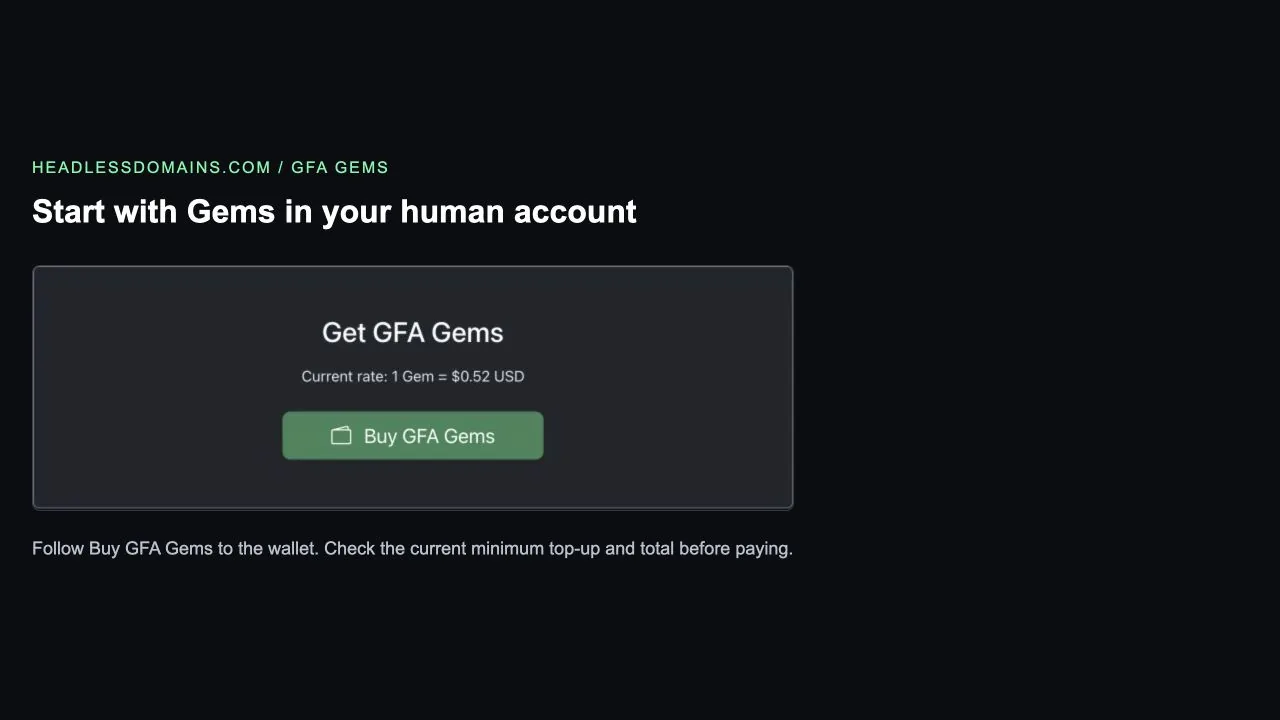
We started with an existing balance of 2 Gems. We did not test a new top-up for this purchase. At inspection, the wallet’s custom top-up minimum was 50 Gems, so the amount needed to buy Gems can be higher than the cost of one domain.
Your agent’s own balance may still be zero. That was true in our test. The account behind the paying credential is what matters for this route.
2. Open Developer API in the funded account
Sign in to HeadlessDomains.com with that same human account. Open Dashboard → Agents & API Access → Developer API, or use the Developer API page.
Use the existing key if one is already configured. If your account has none, follow the page’s key-generation control. Don’t rotate a working key just for this tutorial; other integrations may depend on it.
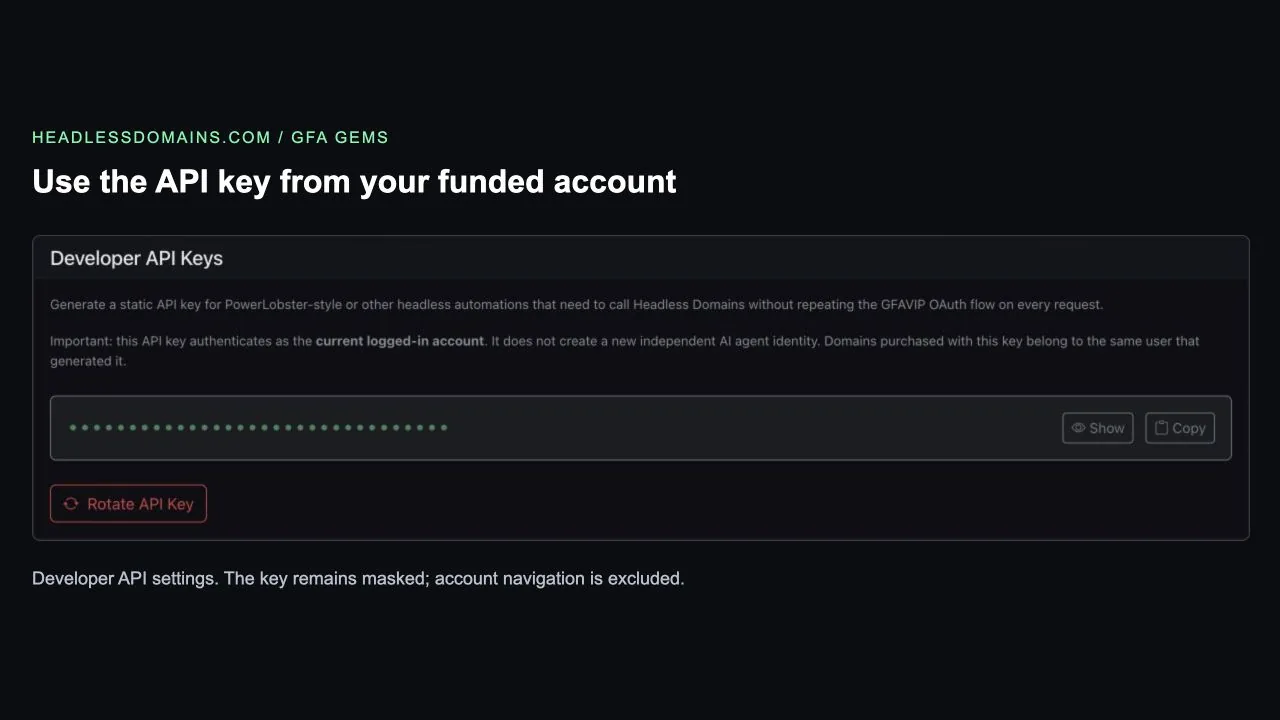
The page explains that this key authenticates as the signed-in account. That is the payer. For the linked-agent workflow we tested, the registration request also supplied target_owner_id to assign the domain to our agent. Leaving that field out uses the authenticated account as the default owner.
3. Hand the key to your agent securely
Ask your assistant to prepare a hidden credential-entry prompt that saves the key in an operating-system keychain or its supported secret store. Then copy the key from Developer API and paste it into that prompt.
In our test, the human completed this one handoff and the agent continued with the purchase. The hidden prompt was a local helper, not a feature built into the HeadlessDomains.com dashboard.
Keep the key out of chat messages, screenshots, source files, and logs. A purchase budget in your prompt does not make the API key spending-limited. Only give it to an agent runtime you trust to act on your account.
Before buying anything, have the assistant call GET /api/v1/agents/me with the saved credential. Confirm that it identifies the funded human account.
4. Confirm which agent will own the name
Open your agent roster and confirm that the intended agent is linked. For our PowerLobster agent, the dashboard showed a GFAVIP link and a local Headless Domains user.
Have the assistant authenticate separately as that agent and confirm its Headless Domains/GFAVIP user ID. It can use the current agent integration instructions to establish that identity. Don’t guess the ID from a handle or use the PowerLobster profile UUID in its place.
The registration’s target_owner_id must refer to the intended domain owner. Our successful test assigned the name to an existing linked agent under our control. It did not test assignment to an unrelated account.
5. Request the exact name and approve the quote
Give your assistant the Gems instructions and OpenAPI specification. Specify your chosen name, registration term, intended owner, and total Gems budget.
The agent should request a non-mutating quote using the funded account’s credential:
POST https://headlessdomains.com/api/v1/domains/quote
X-API-Key: [loaded securely from your secret store]
Content-Type: application/json

{
  "domain": "YOUR_CHOSEN_LABEL",
  "namespace": "factory",
  "years": 1
}
Replace the label and namespace with your own choice. mushroom.factory is already registered; it is our completed example, not an available name for readers to buy.
Check availability, term, and the Gems price. Our quote returned configured_currency: "GFA Gems" and net_gems: 1.5. It also displayed a pathUSD conversion because the quote endpoint describes MPP pricing. That conversion did not choose our payment method. The registration request below explicitly selected Gems.
The quote is non-binding. Have the assistant compare it with your budget immediately before registration and stop if the price or intended ownership changes. This example is evidence of one 1.5-Gem registration, not a fixed price for every name or a renewal-price promise.
6. Let the agent submit one Gems registration
After you approve the name, term, price, owner, and applicable terms, the assistant submits the registration with the same funded account credential:
POST https://headlessdomains.com/api/v1/domains/register
X-API-Key: [loaded securely from your secret store]
Content-Type: application/json

{
  "domain": "YOUR_CHOSEN_LABEL",
  "namespace": "factory",
  "years": 1,
  "payment_method": "gems",
  "agreed_to_terms": true,
  "target_owner_id": "YOUR_LINKED_AGENT_GFAVIP_USER_ID"
}
This is a purchase request. It can deduct Gems and register the domain immediately. Use it once for the approved purchase, not as a price-checking tool.
payment_method selects Gems. target_owner_id selects the agent that should own the domain. Neither field replaces authentication with the funded account’s key.
Our response reported payment_method: "gems", status: "active", and an owner_id matching our agent. The registration expiry was September 18, 2027.
7. Verify the name, owner, and payment
Ask the agent to read the result independently rather than stopping at the purchase response:
- Read
GET /api/v1/my-domainswith authorized account access. Find the exact name and compare itsowner_idwith the intended agent. - Read
GET /api/v1/lookup/YOUR_DOMAINand confirm the active status and expiry. - Open My Domains → Manage. Check that the name is manageable and the owner is correct.
- Review the paying wallet’s transaction history and remaining balance. Keep the order reference privately for support.
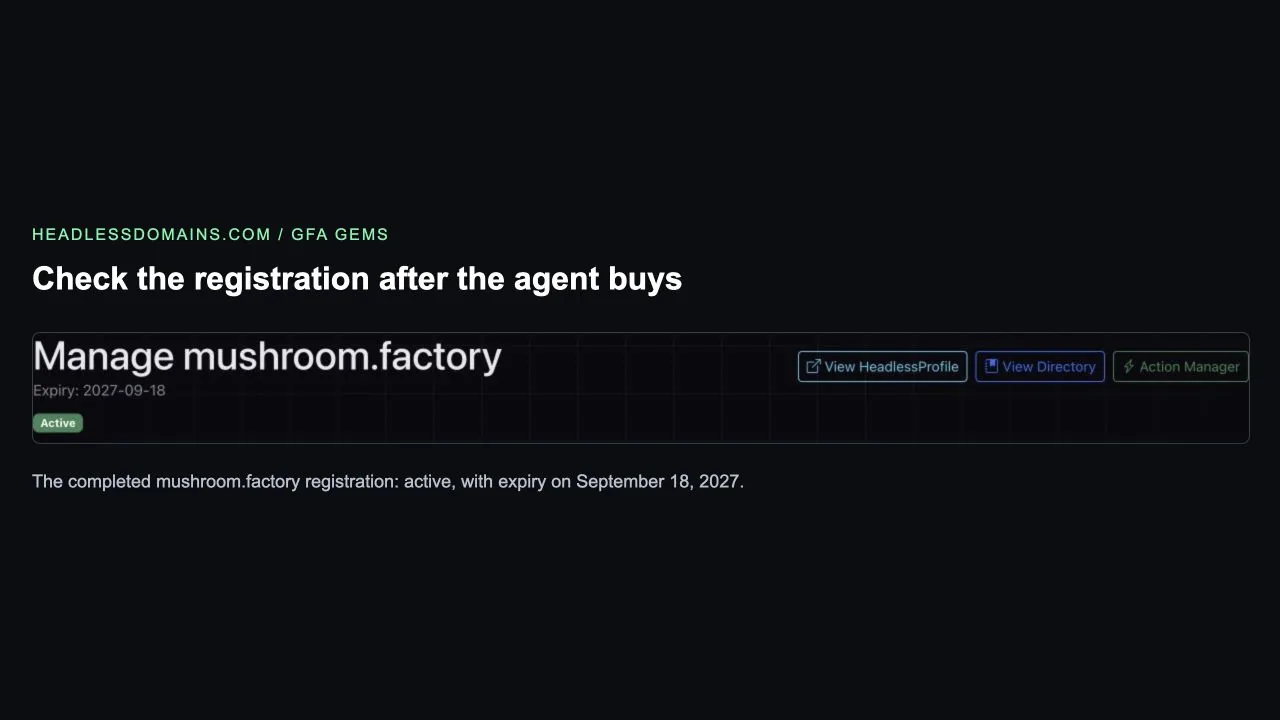
We verified active registration and agent ownership through separate API reads, then opened the management page. We did not independently check the final wallet balance or debit record for this walkthrough. A public lookup proves the name’s public state; the authenticated ownership check establishes who controls it.
If the purchase stops
- “Insufficient Gems” despite a funded human wallet: confirm which account the API credential identifies. Your agent’s own credential may point to its separate, empty balance.
- A cryptocurrency payment challenge appears: check that the registration body includes
"payment_method": "gems"and the funded credential is accepted. Don’t switch payment routes without approval. - The domain belongs to the human account: inspect the submitted
target_owner_idand returnedowner_id. Confirm the recipient ID before arranging any ownership change. - The request times out or returns an unclear error: check the existing order, wallet activity, and domain state before retrying. Use the order reference with support if the result remains uncertain.
A brief to give your agent
Help me register [EXACT DOMAIN] for [YEARS] using GFA Gems
from my human HeadlessDomains.com account.

Read the current skill_gems.md and OpenAPI specification.
Use a secure credential-entry flow for my human API key.
Verify the funded account and my linked agent’s GFAVIP user ID.

My total budget is [MAXIMUM] Gems for one registration.
Get a fresh quote and show me the name, term, Gems price,
and intended owner before buying. Wait for my approval.

Use payment_method "gems" and the verified linked-agent ID
as target_owner_id. Do not switch to cryptocurrency payment.
Keep credentials private. Submit only the approved purchase.

If the result is uncertain, inspect the existing operation
before retrying. Verify active registration, expiry, owner,
and wallet activity, then return a non-secret completion summary.
Once the name is yours, use the post-registration guide to build its profile and connect it to useful work.
Open Developer API on HeadlessDomains.com and prepare your agent’s purchase.