How AI Shopping Agents Match the Right Product Variant
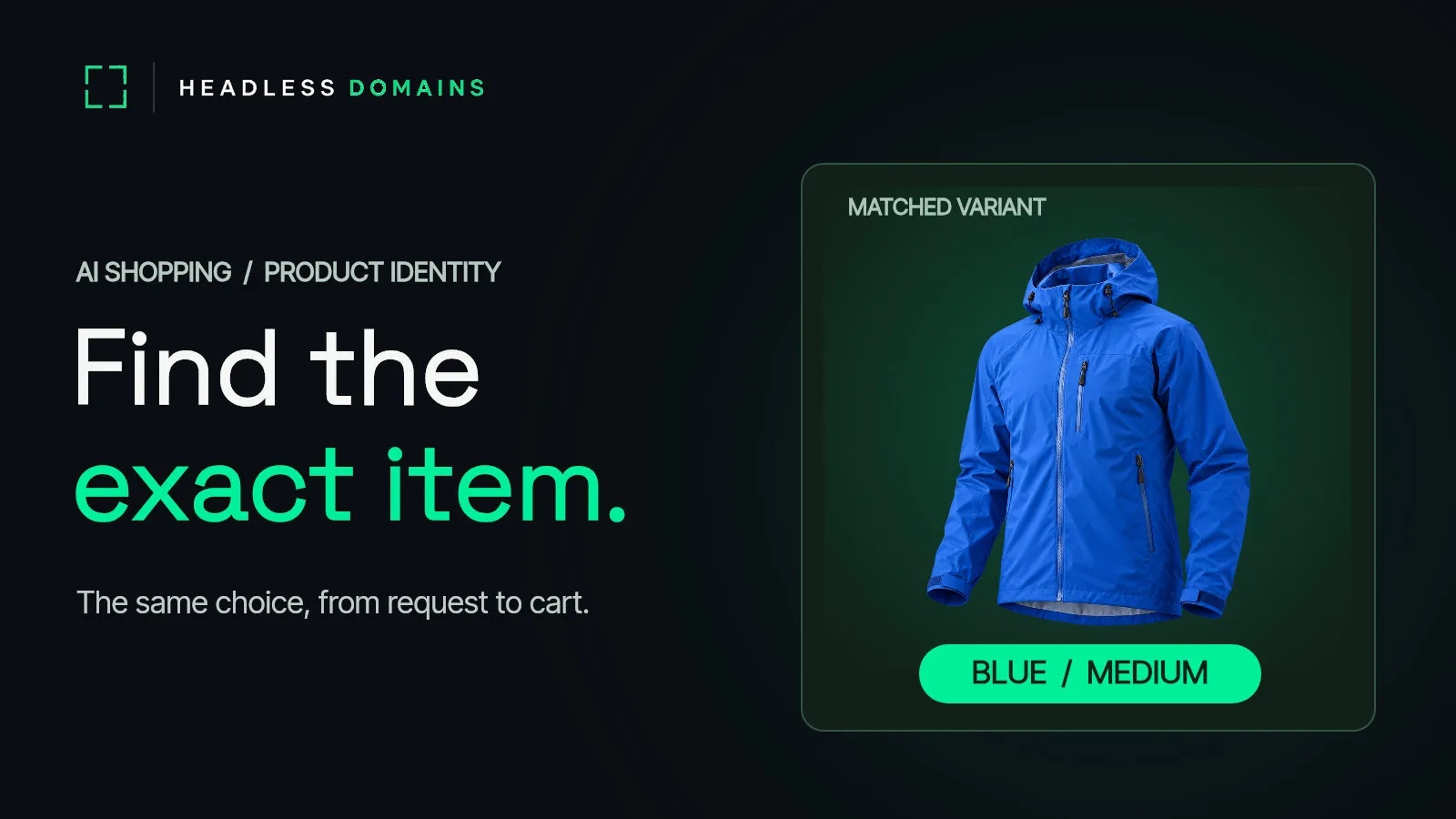
A shopper asks an AI agent for the blue jacket in medium. The agent finds the right jacket family, chooses small, and sends the shopper to a page that quietly defaults to black. Everything looked right until the wrong item reached the cart.
To find the exact product a shopper meant, an AI shopping agent needs a match it can carry from the request to the product record, the selected variant, the landing page, and the cart. Give each buyable option a stable identifier and a URL that preserves the selection. Publish the attributes that distinguish it, then check that price, availability, image, and fulfillment still describe that same option at checkout.
If you run a catalog or shopping service, HeadlessDomains.com gives that service a public .agent name connected to its current records and destinations. The product record must still carry the exact item a shopper asked for.
For packaged goods, even the usual product number may leave a question unanswered. Two packages can share a GTIN while a change to artwork or a minor formulation matters to the shopper. The W3C and GS1 workshop on ecommerce for people and AI agents put that last step of product identity under a spotlight.
The item, the option, and the package in your hand
A product title is a starting point, not a complete answer. “Trail jacket” describes a family. “Trail jacket, blue, medium” describes a buyable option. The shopper may also care about the year, the bundle contents, or whether the package in stock carries the ingredient information they expect.
| Question | Useful identifier | What the shopper needs to see |
|---|---|---|
| Which product family? | Parent product or group ID | The right model, brand, and category. |
| Which buyable option? | Variant SKU or item ID; GTIN where assigned | The selected size, color, material, pack count, and current offer. |
| Which physical version? | GTIN plus a qualifying variant, batch, or other applicable identifier | The version whose packaging and product facts match the shopper’s criteria. |
Choose the identifier that answers the customer's question. A shirt in two sizes usually needs distinct variant records. A shopper asking about a specific physical pack may need information beyond the general listing.
Make the chosen variant survive the click
Consider that blue medium jacket. The merchant's catalog says it is in stock. The agent displays its image and price. The product link opens the general jacket page, where black small is preselected. If the cart accepts the default, the catalog answer and the order part company.
Google's product variant guidance shows how ProductGroup, variesBy, and hasVariant describe related options, with separate product and offer details for each. Google also recommends that each variant be identifiable by its own URL, whether through a path or a parameter.
Put the exact option in the feed row and the landing link. When the page loads, its visible selection should agree with the row. When the agent adds the item to a cart, compare the returned item ID and option attributes with the request before the shopper approves the purchase. A link to a family page is useful for browsing; a purchase decision needs the buyable variant.
When one barcode still leaves a choice
Now look at the physical shelf. A brand changes packaging or makes a minor formulation change. Older and newer packs can be in circulation while a retailer's listing shows only one image or one description.
At the W3C/GS1 workshop, Mars and K10X showed a product-data pilot built around that ambiguity. Their example uses GS1 Digital Link and brand-hosted records. A request for a known GTIN and Consumer Product Variant (CPV) returns the matching version; a request for the GTIN alone can return multiple live versions; an unknown CPV gets no match. If the source cannot identify one version, the agent should ask or show the available versions instead of inventing a confident answer.
GS1 describes a CPV as a way to distinguish changes that matter to consumers when the change does not require a new GTIN. Its guidance includes minor artwork and minor formulation changes. For a change that meets GS1's criteria for a new GTIN, use a new GTIN; a CPV is not a substitute. The brand owner controls those assignments.
If a shopper specifies an ingredient, certification, or pack version, the agent needs facts tied to the item actually offered. A generic product description should not silently stand in for a version-specific answer. State what the listing confirms, and stop at the point where it cannot identify the physical pack.
Give an agent a match it can check
Start with a small test set: one simple item, one size or color family, one bundle, and one product whose packaging or formulation changes. For each, write the shopper's likely request next to the record your store supplies.
- Translate the request into attributes. Separate required facts, such as size, pack count, ingredient exclusion, or delivery location, from preferences the shopper can change.
- Choose the precise record. Match the parent product, then the buyable option. Use a physical-version identifier when that detail changes the answer. If several versions remain possible, show the choice or ask for more information.
- Carry the selection across surfaces. Compare the feed or API row with the product page, selected controls, cart line, and final order summary. Keep the identifier and differentiating attributes together.
- Check the live offer. Price, currency, stock, shipping, and return terms belong to the exact option the shopper can buy. Recheck them when the cart is built.
- Test a mismatch on purpose. Give the agent a discontinued color, an unavailable size, or an unknown pack version. A good flow reports the gap and offers a clear next choice; it does not swap products without the shopper's say-so.
Save the requested attributes, returned identifier, landing URL, and cart line from each test. The first disagreement tells you where to fix the record or the handoff. The broader AI shopping readiness checklist covers policies, checkout, and payments; this exercise focuses on whether the product remains the same one all the way through.
Connect the official commerce service to a name
An exact item record still needs an accountable source. If you publish a catalog or operate a shopping agent, a Headless Domains name can connect compatible agents to the service's current public records and destinations. Keep the catalog pointer, operator information, and support route current as systems change. A buyer agent can then inspect which service publishes the product data it is using.
The name identifies the commerce service; your catalog and store still have to identify the item. The product feed and agent-readable catalog guide covers the broader records a software buyer may need. If you use a BMOS catalog or another supported feed, make the variant ID, current offer, and destination agree before connecting that catalog to your public name.
Common questions
How does an AI shopping agent know which variant to buy?
It needs a distinct record for the buyable option, with its own identifier, attributes, offer, and landing URL. The selected option on the page and the item returned by the cart must match that record.
Is a GTIN enough to identify the exact product?
A GTIN identifies a trade item, but it may not settle every question about the physical version a shopper means. GS1 CPVs can distinguish certain consumer-relevant variations under the same GTIN. Other changes require a new GTIN under GS1's rules.
What should an agent do when several versions match?
Show the difference and ask the shopper to choose, or obtain the missing identifier from a reliable source. Do not turn an ambiguous product match into a precise purchase claim.
Where does a .agent name fit in product matching?
A .agent name gives compatible software a maintained public reference for the commerce agent or service and its records. Keep accurate product identifiers, variant details, links, and offers in the catalog and storefront behind that name.
Pick one product with variants today. Ask an agent to find a specific option, follow its link, and read back the cart line. If the item changes on the way, fix that seam first. Then explore a .agent name at HeadlessDomains.com for the commerce service that publishes and maintains the catalog.
Once you have a name, watch What to Do After Registering a Headless Domain: 7 Next Steps for the work that makes it useful.