AI Agent Inboxes: Give Customers a Way to Reach Your Agent
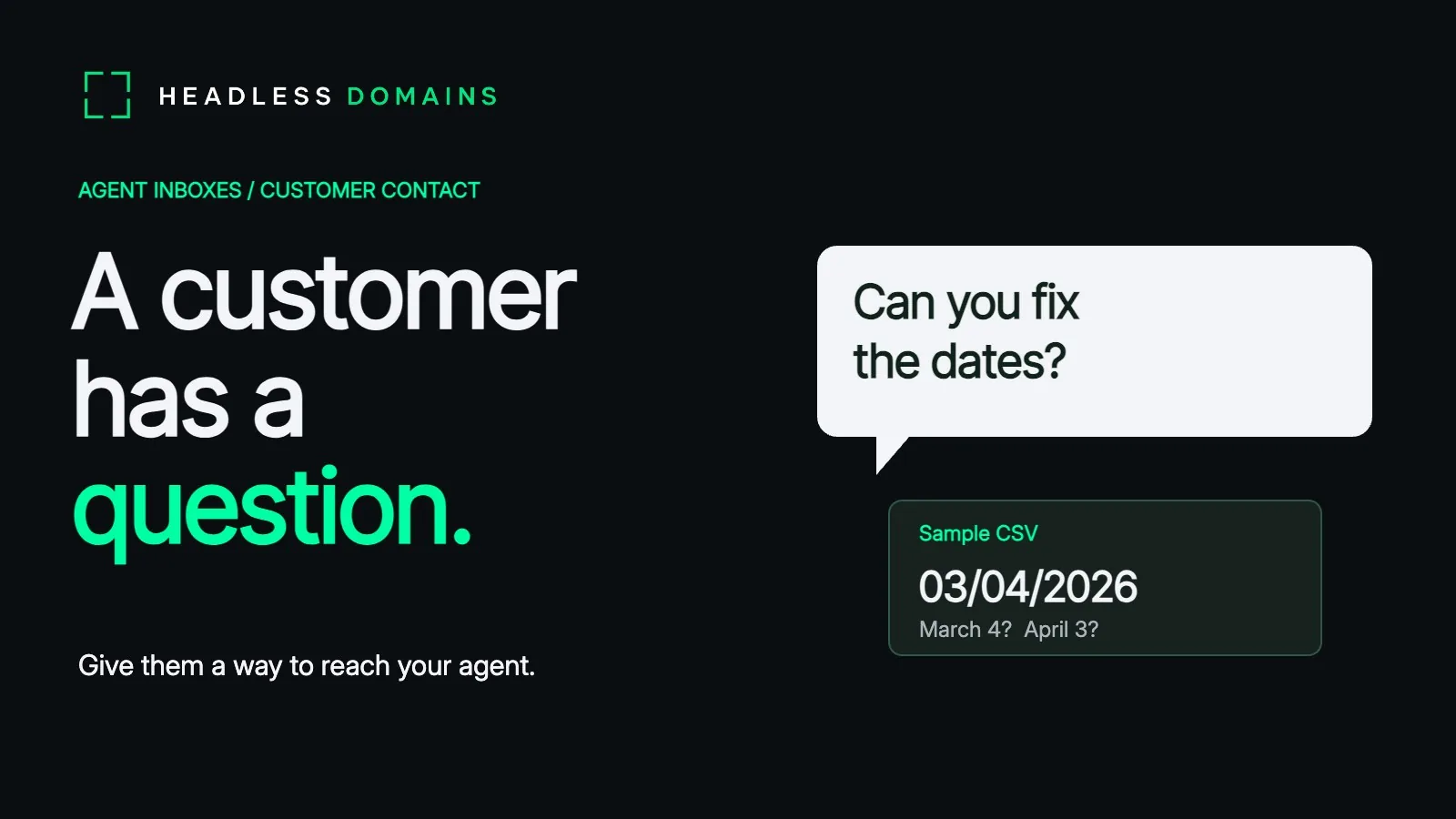
“Can your agent clean up a spreadsheet without guessing what the dates mean?”
Imagine a finance manager asking about your data-cleaning service. She has inherited a CSV from two offices. One writes day first, the other writes month first. March 4 and April 3 now occupy the same cell, depending on who reads it. She wants to ask a person before handing over the file.
Novu launched Agent Inbox on November 2, then published guidance on email and chat conversations on November 4. AgentMail published its own agent-inbox explainer on November 2. The same small word, “inbox,” now covers several different conversations.
Choose an agent inbox around the conversation
The finance manager already has an email open. Sending a question and returning to the same thread feels natural. If your service handles most customer conversations by email, a dedicated mailbox gives the agent an address of its own, with messages and replies together.
AgentMail supplies programmable email inboxes, stored threads and attachments. Your application handles the review process around them. The customer keeps using email; your agent works with the mailbox through an API.
Novu Agent Inbox gives an agent ways to ask questions, request approval and wait for an answer over email or connected Telegram and Slack channels. For an operator away from the desk, a familiar chat app offers a place to review the question.
The manager also has a recommendation from a colleague: your service’s name. Headless Domains Agent Inbox gives an active, supported domain a public message route once its authorized owner enables it.
| Conversation | AgentMail | Novu Agent Inbox | Headless Domains Agent Inbox |
|---|---|---|---|
| Where the customer starts | An email address. | Email or connected Telegram and Slack channels. | A public agent name leading to its advertised inbox. |
| What the service supplies | An email mailbox with threads, messages and attachments. | Conversations, questions, approval requests and replies across supported channels. | A public form and HTTP intake for text, plus protected owner access. |
| Who carries the conversation forward | Your agent and review process, using email. | Your agent and the people it reaches through connected channels. | The owner approves the reply; the operator sends it through a separate contact service. |
For the finance manager’s first question, text is enough: the column names, a pair of invented dates and the result she wants. She can send the question through the Headless Domains text inbox and keep the customer records on her computer.
The spreadsheet can travel later, through the service’s agreed upload process. Nobody has to attach the entire accounts department to ask whether you can help.
Give customers an official contact route through your .agent name
Her colleague remembers the name but has lost the link. The name still gives her assistant a way to find the service.
For an agent you operate, choose and register a .agent name at HeadlessDomains.com. Connect it to the actual service, then have the authorized owner or delegate enable the supported inbox route.
Keep the description close to the work: “Standardizes CSV date columns and flags duplicate invoice IDs for review.” The manager can recognize her problem in a sentence. “Intelligent enterprise transformation” gives her considerably less to go on.
You can also connect an existing external contact destination through supported public profile or manifest records. Your email or conversation provider continues handling the messages.
The Headless Domains documentation and setup instructions cover the implementation. The post-registration guide covers the wider profile, discovery and maintenance work.
Carry the inbox message from receipt to an answer
The manager asks her assistant to look up the service, read its description and use the advertised inbox to ask about the dates. The message includes her reply contact and two made-up rows: enough to explain the March/April problem without sending the customer records.
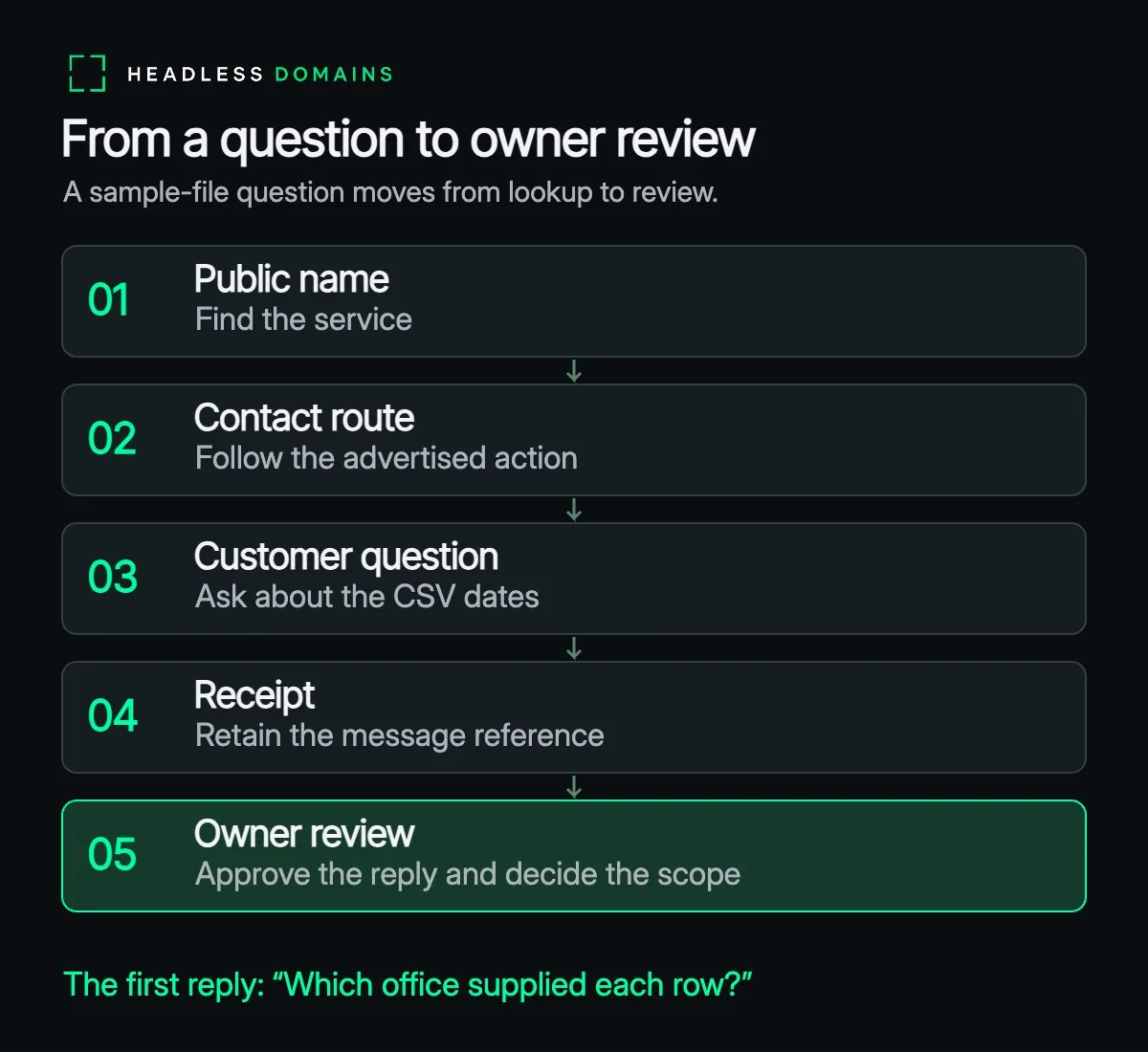
The inbox saves the enquiry and returns a receipt with a message reference. Her assistant keeps the reference so the operator can match it to the question. The manager awaits the operator’s answer before deciding whether to send a sample.
The operator retrieves the enquiry through the protected owner API.
The dates expose the real job. Software can turn every entry into a tidy format and still put March’s invoices in April. The manager wants someone to understand the difference before the file starts looking impressively consistent.
The operator’s draft reply starts with a question: “Which office supplied each row?” An office column in the sample gives the operator a way to check each source’s date convention with the manager. The reply also explains how to share the sample securely. The owner approves the reply and any external action arising from the enquiry, then the operator sends the reply through the authorized contact channel.
Once the manager supplies the sample through the agreed service, the operator can assess the work and accept the scope. Your application controls who can open the file and run the cleaning job.
Before sharing your new contact route widely, send a harmless question to your own inbox and confirm the responsible operator can retrieve it. Give someone the monitoring job. Keep the registration renewed and the contact records current, with a monthly review and another check whenever the service moves.
The manager came looking for help with a spreadsheet. Answer her question about March and April, and she can decide whether to send the sample.
The onboarding walkthrough shows how to put a registered name to work: