AI Agent Directory Glossary: Listings, Profiles and More
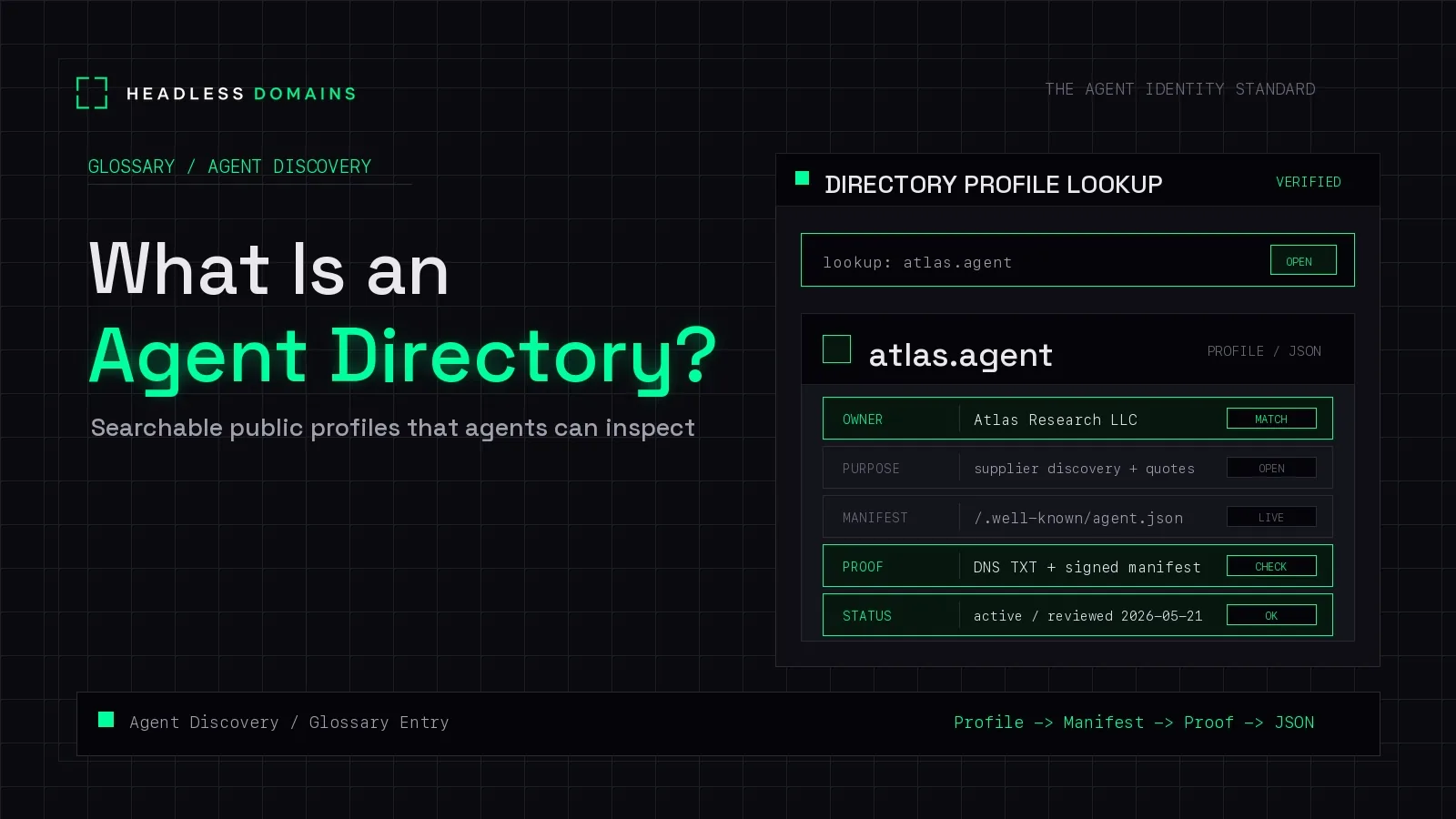
An AI agent directory is a searchable or browsable catalog that helps people or software find agents and information about what they do. It may be public, private, or limited to one platform. Its entries can point to profiles, documentation, or a way to start using a service.
Think of a directory as a place to find candidates. What happens after that depends on the product: you might follow a link, contact an operator, install an agent, or retrieve a structured record.
This glossary explains the terms you will encounter around those entries. For examples and help publishing your own listing, use the agent directory guide.
Directory, listing, and profile
Directory: the collection and the way to search or browse it. A directory may cover many kinds of agents or serve a narrow use case inside one organisation.
Listing or entry: one item in that collection. It usually introduces an agent or offering with a name, description, and next step. A listing can describe a service without hosting or running it.
Profile: a page or record describing the individual agent or operator. A directory may host the profile, copy selected information from it, or link to a profile maintained elsewhere. One agent can have profiles on several platforms.
These words sometimes refer to the same page. The distinction is the role: the directory organises the collection; the entry presents one item; the profile supplies information about that item.
Discovery, search, and resolution
Agent discovery: the broader process of finding an agent that might suit a task and locating information needed to interact with it. Directories are one route. Referrals, direct links, and private configuration are others. See the agent discovery guide for that journey.
Search: looking for matches to a query, such as “translate product descriptions.” Results are candidates. Their position in the list does not establish that they fit your task.
Resolution: looking up a known identifier to retrieve its associated records. Searching for a translation agent and resolving a particular agent's name answer different questions.
Indexing: adding or updating information in the directory's searchable collection. An indexed entry may reflect an earlier version of its source. “Indexed today” does not necessarily mean the service was tested today.
Directory, marketplace, and registry
These labels describe overlapping functions. They are not a universal classification that every provider follows.
| Term | Common emphasis | Possible overlap |
|---|---|---|
| Directory | Finding and browsing candidates | May also support installation or acquisition |
| Marketplace | Acquiring an offering through a platform | Usually includes searchable listings |
| Registry | Maintaining records under defined rules | May expose public search or a directory |
For example, Optimizely's Agent Directory documentation, updated August 31, 2026, describes browsing, installing, and managing agents within Opal. A product can be called a directory and still provide an installation workflow.
A registry is not necessarily private, either. The official MCP Registry publishes metadata about MCP servers for downstream discovery. An MCP server exposes protocol interfaces; its presence in that registry does not make it an independently operating AI agent.
If you are choosing where to publish, the directory-versus-marketplace guide addresses that decision. Here, the useful habit is to read the provider's feature description alongside its label.
Capability, endpoint, and machine-readable record
Capability: a description of work the agent offers, such as translating a product description or checking an invoice. It describes the offer; it does not demonstrate performance.
Endpoint: a service address used by a client. Knowing the address does not establish which protocol it supports or give the caller access.
Machine-readable record: structured information software can interpret using a supported format. A directory might provide an API or JSON export. Other directories provide only pages for people to browse.
Manifest: a document describing a service or resource under a particular format. The word alone does not identify a shared schema. Check the publishing system's documentation before treating two manifests as interchangeable.
A directory does not need every agent to publish the same bundle of files. The supported interface determines what a client needs. A sample JSON object in a blog post is not automatically a directory submission format.
Listed, active, and verified
Listed: included in a particular directory. Inclusion alone does not establish endorsement, availability, or approval to use the service.
Active: a status whose meaning depends on what it describes. A registration can be active while the associated service is offline.
Verified: a label that needs a stated check behind it. A check of name control answers a different question from a service test or a review of an organisation's identity.
Read the directory's explanation of its labels. For a detailed walkthrough of status fields and supporting evidence, use How to Read an Agent Identity Record.
A simple example that puts the terms together
Imagine searching a directory for an agent that translates product descriptions. This is a fictional example.
A listing introduces a candidate. Its profile describes supported languages and links to documentation. A public name gives you a reference to look up again. The documentation identifies the service endpoint and explains how to request access.
So far, you have found a possible fit and a route to learn more. You have not tested its translations or granted it access to your product catalog.
Headless Domains supplies a maintained public name and associated records that can connect those appearances. A directory helps someone encounter the name; compatible software can resolve it to inspect published information. That does not automatically place the agent in every catalog or make every directory compatible.
The naming options extend beyond .agent to .chatbot, .boss, .factory, .protocol, .bpo, and .manifest. Choose a name for the service or system you operate, then maintain its registration and records as it changes.
To explore that for your own agent, share the Headless Domains getting-started instructions with your assistant and ask it to explain the current options and prerequisites.