Prepare Shopify and WooCommerce Stores for AI Shopping Agents
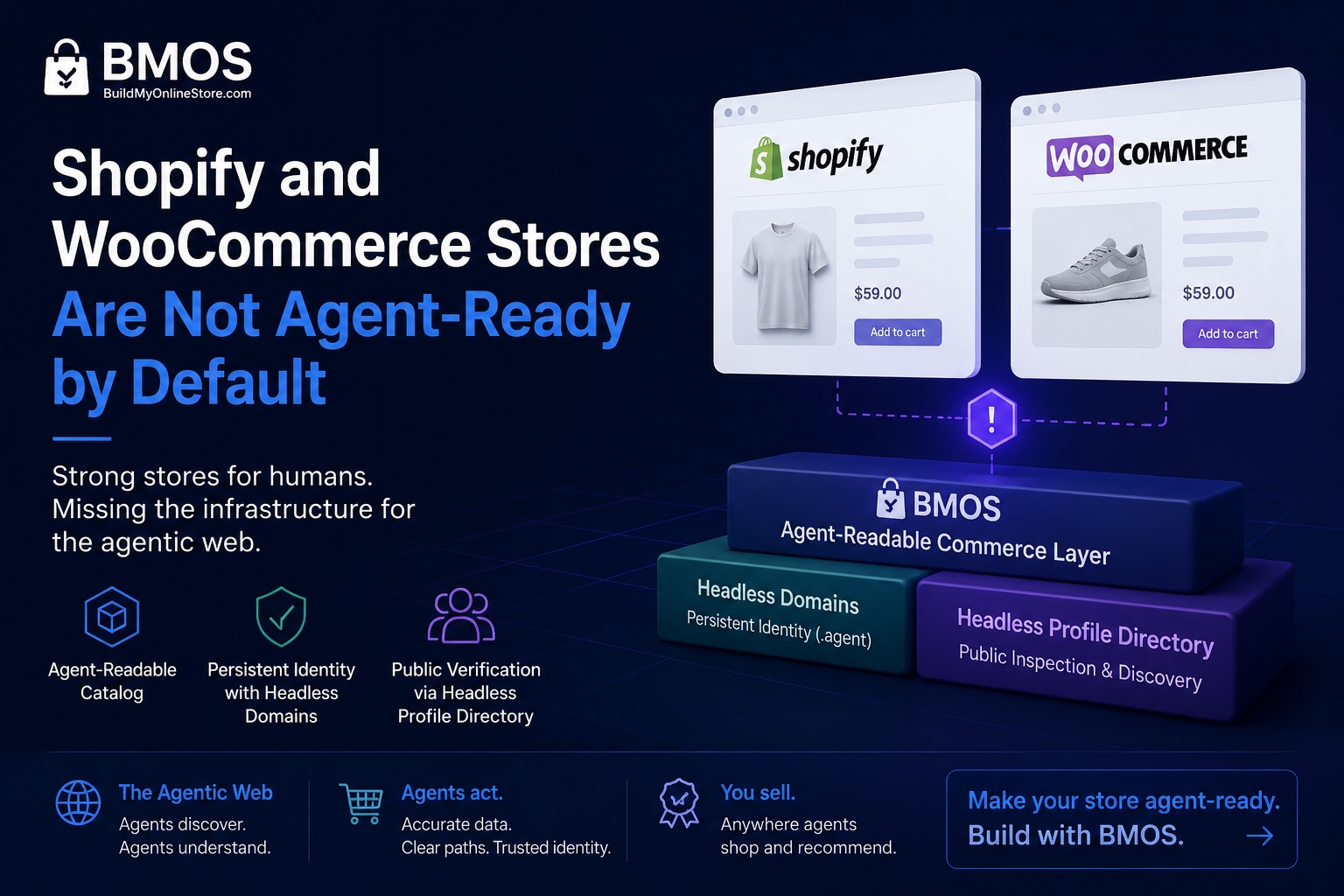
To prepare a Shopify or WooCommerce store for AI shopping agents, start with the capabilities your platform already provides. Shopify offers Agentic Storefronts for eligible stores. WooCommerce provides APIs for product, cart, and checkout interactions. Your next step depends on whether you want external shoppers to find products or your own agent to help operate the store.
A shopping assistant needs accurate offers and a usable purchase route. An internal assistant updating products needs authenticated access and appropriate permissions. A merchant can support both while keeping the existing storefront.
Headless Domains adds a maintained public identity for the commerce agent or service you want others to find. BMOS can provide a separate catalog connection for compatible clients. First, work out which connection your store actually needs.
Shopify: check Agentic Storefronts before adding another feed
Shopify's Agentic Storefronts documentation says the feature is active by default for eligible stores. You manage channels under Sales channels > Agentic in the Shopify admin. Check the channels and options available to your store, along with the applicable terms.
The buying experience varies by channel. Some support direct checkout when activated; others send shoppers to your store. Avoid promising the same checkout experience everywhere.
Confirm where the customer completes the purchase
Shopify's ChatGPT channel guidance describes product discovery followed by checkout on your online store, opened in an in-app browser or a new tab. Its requirements include selling to US customers, eligible products, completed policy settings, and agreement to the channel terms.
For this route, review the destination the customer receives. Does it open the intended product? Can the shopper choose the advertised option and see the final purchase conditions? A discovery referral is useful even when a person completes checkout.
Check how Shopify reads your product data
Shopify Catalog distributes structured product information to supported channels, with other channel-specific feeds also involved. Shopify documents mapping controls for stores that keep important product information in custom fields.
Consider a fictional apparel store whose fabric composition lives in a metafield. The storefront theme displays it correctly, but the merchant should also check the catalog mapping. A customer asking for a cotton hoodie needs the same fact regardless of which interface they use.
Shopify also documents built-in /agents.md, /llms.txt, and /llms-full.txt discovery URLs. They return the same content by default and can be customized. Inspect what your store already serves before buying an app to generate those files. They do not replace Shopify Catalog.
WooCommerce: separate shopping access from store management
WooCommerce already exposes structured commerce interfaces. Choose the one that matches the task, then check how your installed extensions and payment methods behave with it.
For customer-facing shopping, start with the Store API
The WooCommerce Store API provides JSON endpoints for products, carts, and checkout. It is designed for customer-facing use and does not provide general access to other customers' records or store administration.
A developer can begin by inspecting the public product response:
GET https://your-store.example/wp-json/wc/store/v1/productsThis is an illustrative address. Use your own store's URL and compare the response with the products you intend to expose.
Cart and checkout interactions need the correct session handling. WooCommerce documents Cart Tokens for headless clients; supported requests using a Cart Token do not also require a nonce. Follow the endpoint's requirements rather than interpreting a public product API as unrestricted checkout access.
For example, a specialty merchant might use an extension to restrict delivery of one product. Confirm that the proposed integration respects that restriction when it calculates the cart and available shipping. A product appearing in search does not establish that it can be delivered to the buyer's address.
For your own operating agent, review the MCP integration separately
WooCommerce's MCP integration is documented as a developer preview. It exposes product and order operations through WordPress abilities and an MCP adapter, with authentication and permissions.
The documentation distinguishes the shared WordPress adapter from a deprecated WooCommerce-specific endpoint. Follow the path supported by your installed versions rather than copying an older connection example.
This can help an authorized assistant manage the store. It does not automatically distribute products to external shopping assistants. Keep administrative credentials out of public catalog feeds and agent profiles.
When a separate BMOS catalog is useful
A platform's built-in sales channels may cover your immediate goal. A separate catalog becomes useful when a partner's buying agent, a custom assistant, or another supported client needs a connection outside those channels.
Build My Online Store (BMOS) describes a commerce backend for structured product offers, visibility controls, and approved checkout actions. It can provide catalog information for compatible agents while your existing store continues to handle its usual storefront and operations.
Before adding it, agree on how product changes will reach the catalog and which checkout route the client will use. Confirm the import or connection method available for your store. Support for a Shopify or WooCommerce checkout destination is not, by itself, evidence of automatic inventory synchronization.
Ask the partner to confirm it can read your published offers and follow the purchase route you support. Our store discoverability guide covers how to diagnose that path.
Give the commerce service a name customers can return to
Suppose you operate a buying assistant for repeat wholesale customers. It has documentation, a catalog connection, and a support route. A Headless Domains name gives those customers and compatible agents one maintained public reference for the service.
The Headless Domains BMOS instructions describe connecting a name to a catalog. Your public identity can lead readers to the current service information while your Shopify or WooCommerce site stays on its existing domain.
That is useful when the catalog endpoint changes or the agent appears in another directory. Update the records and maintain the registration so people can keep using the name. Access checks and checkout remain the responsibility of the systems handling those operations.
A headless domain is not required for Shopify's channels or WooCommerce's APIs. Use it when you want a persistent public identity for the agent or commerce service working across them.
Choose your next step by platform
On Shopify: review the Agentic channel settings, product eligibility, catalog mapping, and checkout destination available to your store. Fix those connections before adding a parallel feed.
On WooCommerce: decide whether you are serving shoppers or connecting an internal assistant. Evaluate the Store API for the former and the supported authenticated integration for the latter.
For a custom or partner agent: identify the feed or interface it consumes, how updates reach it, and which purchase route it supports. Add BMOS when it supplies a connection you need.
Then use our AI shopping readiness checklist for the broader launch review. Channel eligibility and readable data help establish a working route; they do not guarantee recommendations or sales.
Keep your store. Name the agent working alongside it.
When your commerce agent needs that public identity, share the Headless Domains skill file with your assistant. Ask it to explain the naming options, registration cost, and catalog connection before taking action. Build around the store and agent you already operate.